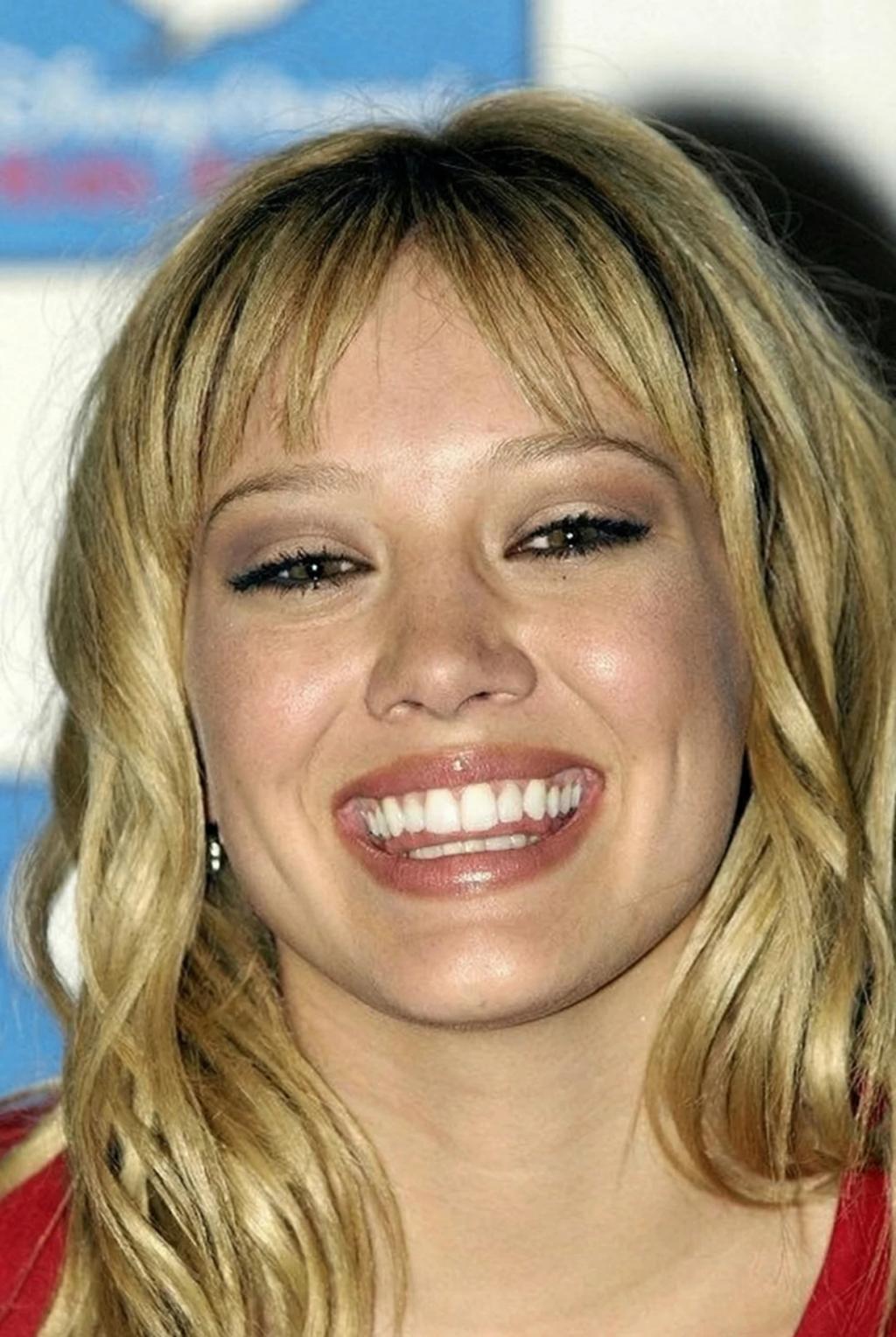
Whiten Teeth Naturally
Image
GeminiPrompt Type: Image generation prompt
Click to try on Gemini
1
Number of original images required
9
Total number of views
"Use the uploaded image as the exact base reference.
TASK: Whiten the subject's teeth to a natural, healthy bright white — as if they just had a professional dental cleaning and whitening session.
TEETH WHITENING:
– Brighten overall tooth color by 3-5 shades toward natural white
– Remove visible yellow, brown, or grey staining/discoloration
– Even out tooth color — all visible teeth should be a uniform, natural white
– Remove coffee/tea/food staining
– Target shade: natural bright white — NOT Hollywood-bleached ultrawhite. Should look real and healthy.
CRITICAL NATURAL BOUNDARIES:
– Maintain natural tooth translucency — teeth are not opaque white
– Keep natural subtle color variation between tooth center (slightly more opaque) and edges (slightly translucent)
– Preserve natural tooth shape, size, alignment, gaps, and positioning — do NOT straighten or reshape teeth
– Gum line, gum color, and gum shape must remain exactly as-is
– Lip color and shape must remain unchanged
– The whitening should be invisible — no one should be able to tell the photo was edited
PRESERVATION RULES (STRICT):
– Do NOT change anything about the face, features, expression, skin, or hair
– Do NOT change lip shape, fullness, or color
– Do NOT change background, lighting, outfit, or composition
– Do NOT add veneers, correct alignment, or fix dental work
– ONLY whiten the existing tooth color
OUTPUT:
The exact same photo with naturally white, bright teeth — looks like a dental whitening result, not a photo edit."