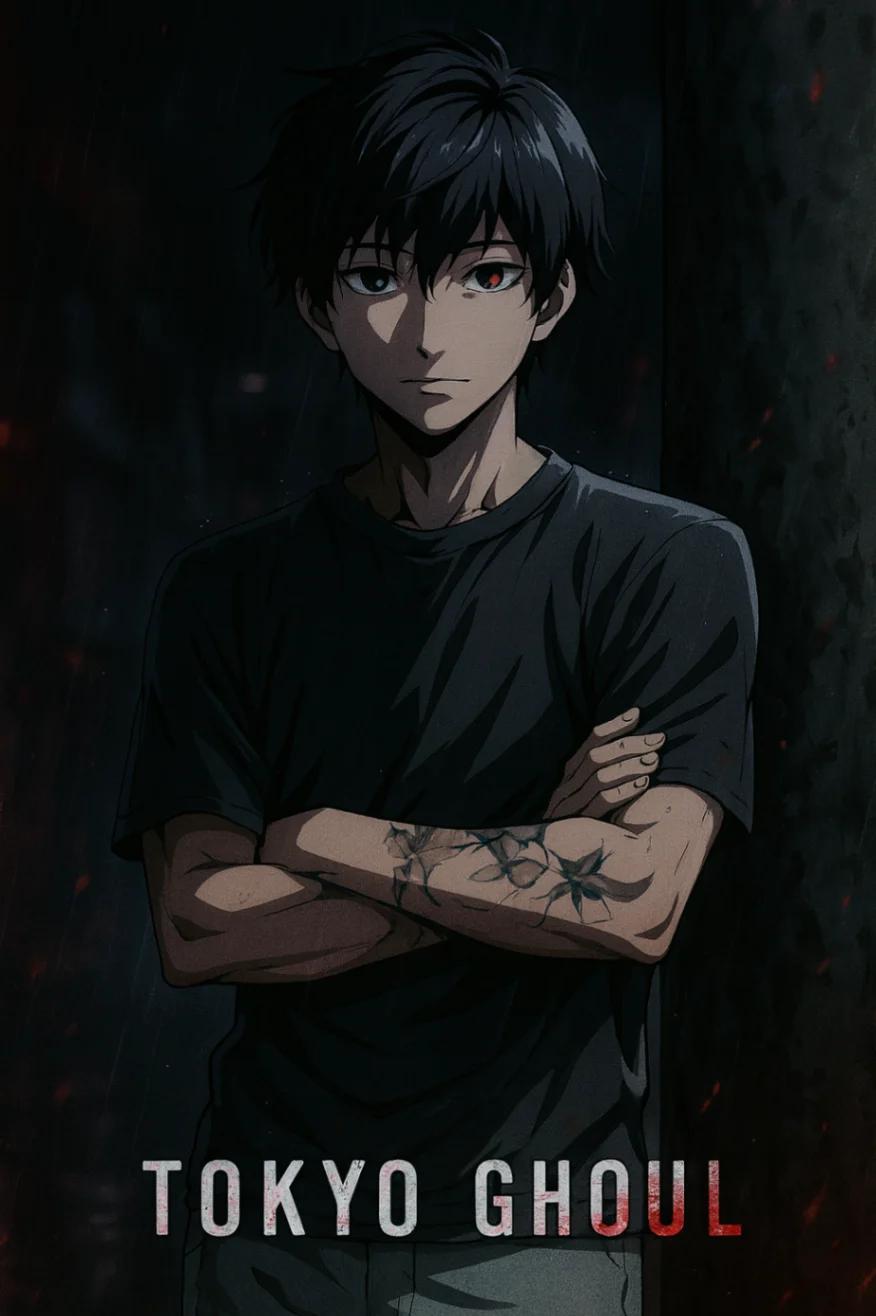
Tokyo Ghoul Anime Character
Image
ChatGPTPrompt Type: Image generation prompt
Click to try on ChatGPT
1
Number of original images required
7
Total number of views
Transform the subject from the uploaded image into a character from the anime Tokyo Ghoul.
Style & Aesthetic:
– Match the dark, high-contrast aesthetic of Tokyo Ghoul: sharp anime linework, painterly shading, desaturated tones with dramatic red and black highlights.
– Use the show’s signature moody lighting and cinematic color palette — pale skin tones, intense shadows, and reflective glows around the eyes.
– Background should feature a dim, atmospheric Tokyo night scene (e.g., rainy alley, neon glow, or abstract dark gradient).
– Add subtle particle effects like drifting embers, raindrops, or mist to enhance the eerie tone.
Character Details:
– Retain the subject’s clothing, hairstyle, face, expression, and accessories, re-rendered in Tokyo Ghoul anime style.
– Preserve their pose and overall silhouette while stylizing proportions to fit anime realism — sharp facial angles, defined hair strands, and expressive eyes.
– Eyes should have the characteristic Tokyo Ghoul intensity — slightly reflective, with a faint red or ghoul-like glow if fitting.
– Skin tone should remain natural but shaded with cool undertones and strong contrast.
Rendering Style:
– 2D anime illustration with high detail and dramatic contrast.
– Use painterly shadows, fine linework, and glowing accents around key elements (eyes, hair edges, metallic objects).
– Keep the mood dark, stylish, and emotional — evoking the tone of Tokyo Ghoul’s key visuals.
Composition:
– Cinematic focus with blurred or smoky background.
– Capture an expression that conveys quiet strength, mystery, or inner turmoil — in line with the Tokyo Ghoul atmosphere.