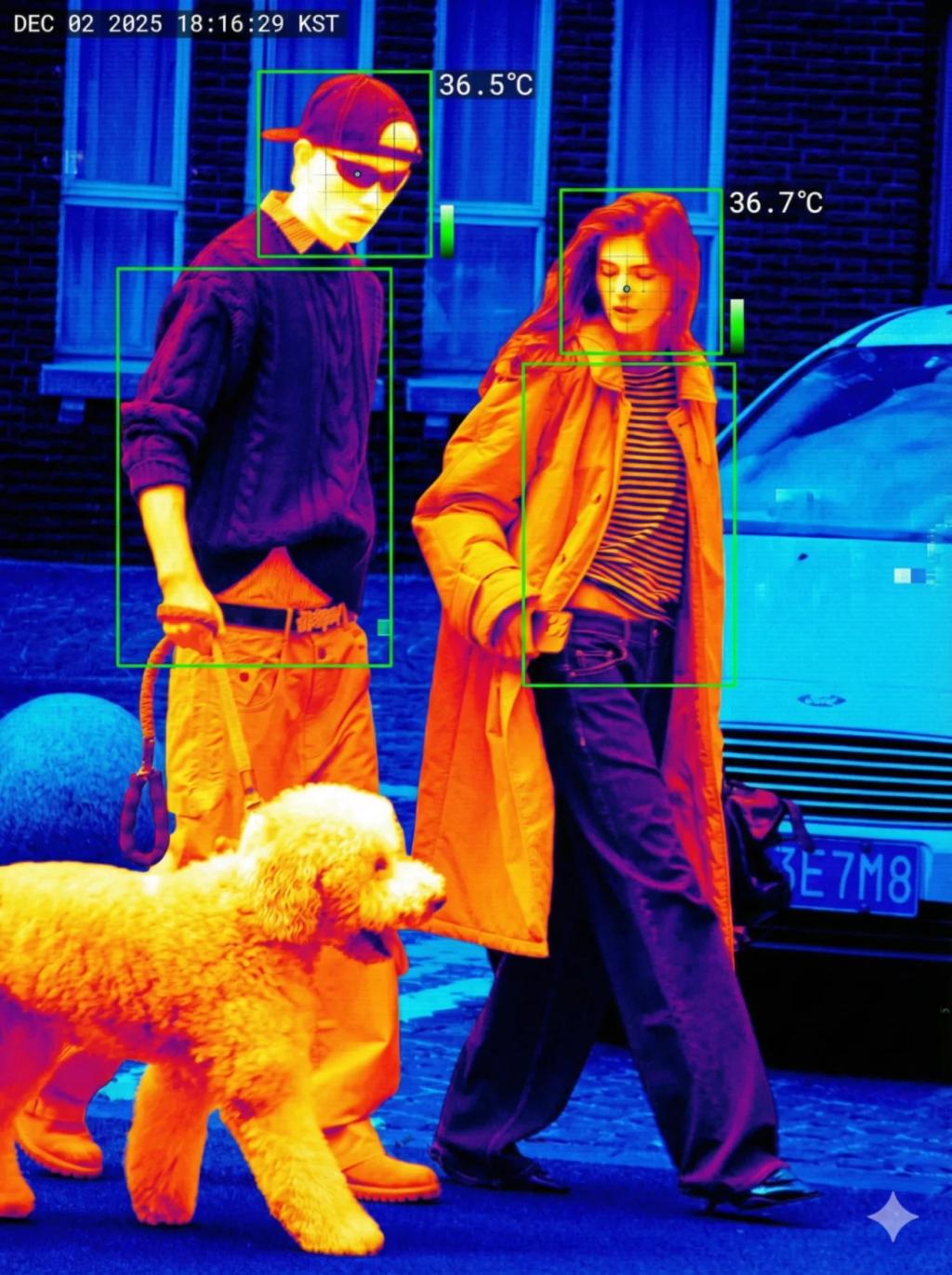
Thermal Body-Scan Surveillance
Image
GeminiPrompt Type: Image generation prompt
Click to try on Gemini
1
Number of original images required
0
Total number of views
Transform the uploaded image into a thermal infrared surveillance scan, similar to airport fever-detection systems.
Preserve:
All original subjects, poses, clothing, proportions
The environment, composition, and camera angle exactly as the photo
Thermal Rendering:
True false-color heat spectrum
White / Yellow = hottest
Orange / Red = warm areas
Purple / Blue / Black = coldest
Pixelated and slightly low-resolution thermal imaging look
Visible sensor noise, scanline artifacts, and compression blocks
Surveillance UI Overlay:
Green detection bounding boxes drawn around each person
Next to each head area, show realistic body temperature text, e.g. “36.5°C”
Small UI labels showing heat levels
No futuristic sci-fi, keep purely practical detection UI
Optional micro-crosshair or tiny tracking dot in faces
Subtle grid or targeting overlay in background
Additional Requirements:
Highlight body heat contrast vs. clothing and environment
Add a timestamp in top corner (generic)
Do NOT alter faces or identity
Do NOT add new objects, people, or shadows
No blur of subject features — keep thermal details crisp
Overall vibe:
A real airport security thermal camera feed, pixelated and analytical, focused on detecting fever and tracking multiple people.