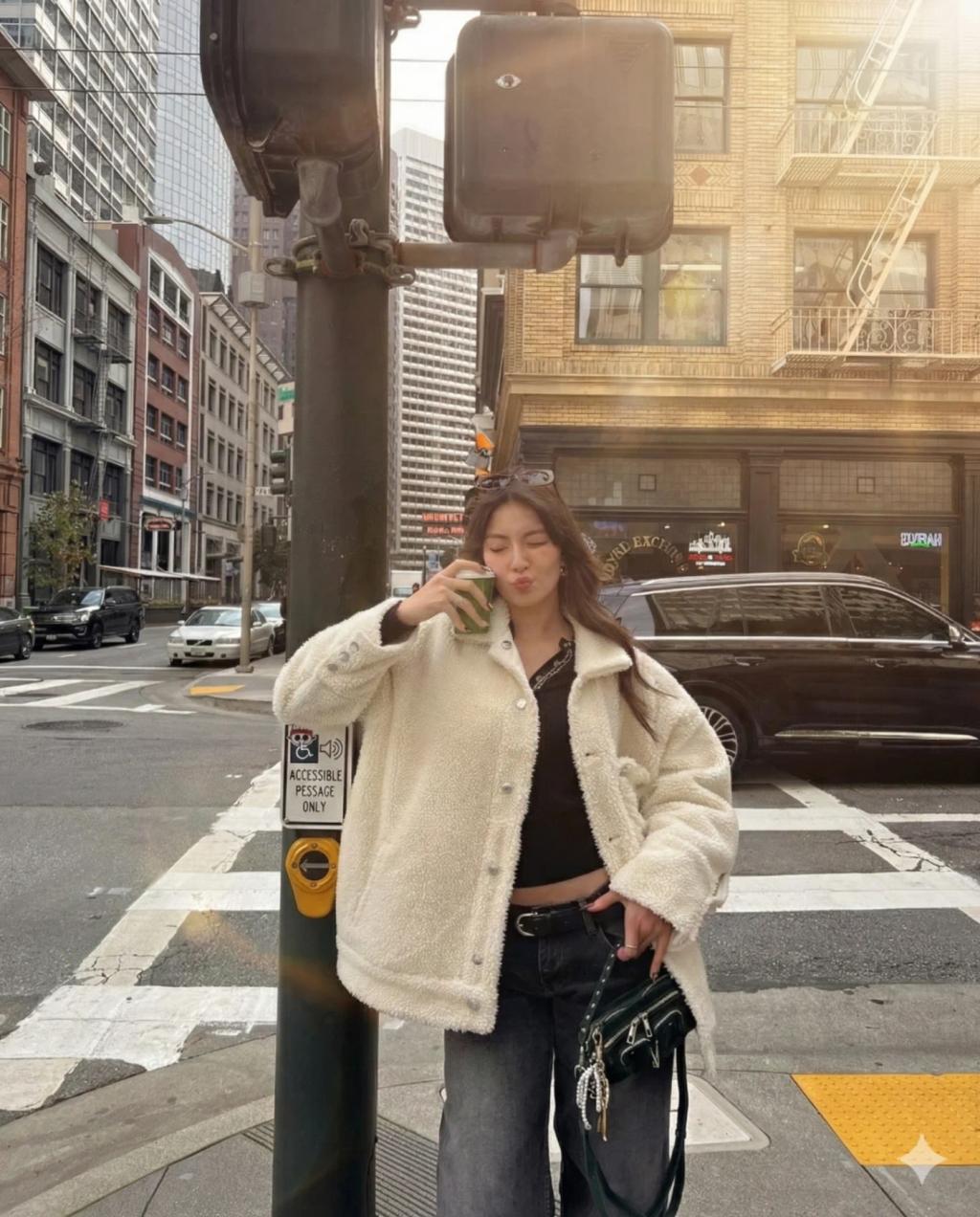
Subtle Cinematic Lens Flare Effect
Image
GeminiPrompt Type: Image generation prompt
Click to try on Gemini
1
Number of original images required
308
Total number of views
Apply a realistic cinematic lens glare effect to the uploaded photo while preserving the original subject, background, pose, clothing, framing, and composition exactly as they are.
Enhancement rules:
Add natural lens glare and subtle lens flare elements sourced from strong directional light or bright areas already present in the image
The glare must match the image’s lighting direction, intensity, and color tone
Keep the glare soft, atmospheric, and photorealistic — no cartoonish shapes, no rainbow streaks unless already fitting
Glares should feel like they are created by a real camera lens: soft refractions, gentle streaks, warm flares, and subtle blooming around highlights
The added glare must not obstruct faces or important subject details
Preserve skin tones, shadows, contrast, and sharpness
Color and mood:
Create a cinematic feel with warm highlights and soft bloom around brighter sources
Maintain authentic texture fidelity and original shadows
Hard rules:
Do not change the subject’s expression, body, clothing, or environment
Do not add artificial lighting sources
Do not remove or distort existing objects or background
The effect must feel like a filter — not an illustration or compositing
Upscale subtly if needed, keeping realistic clarity.