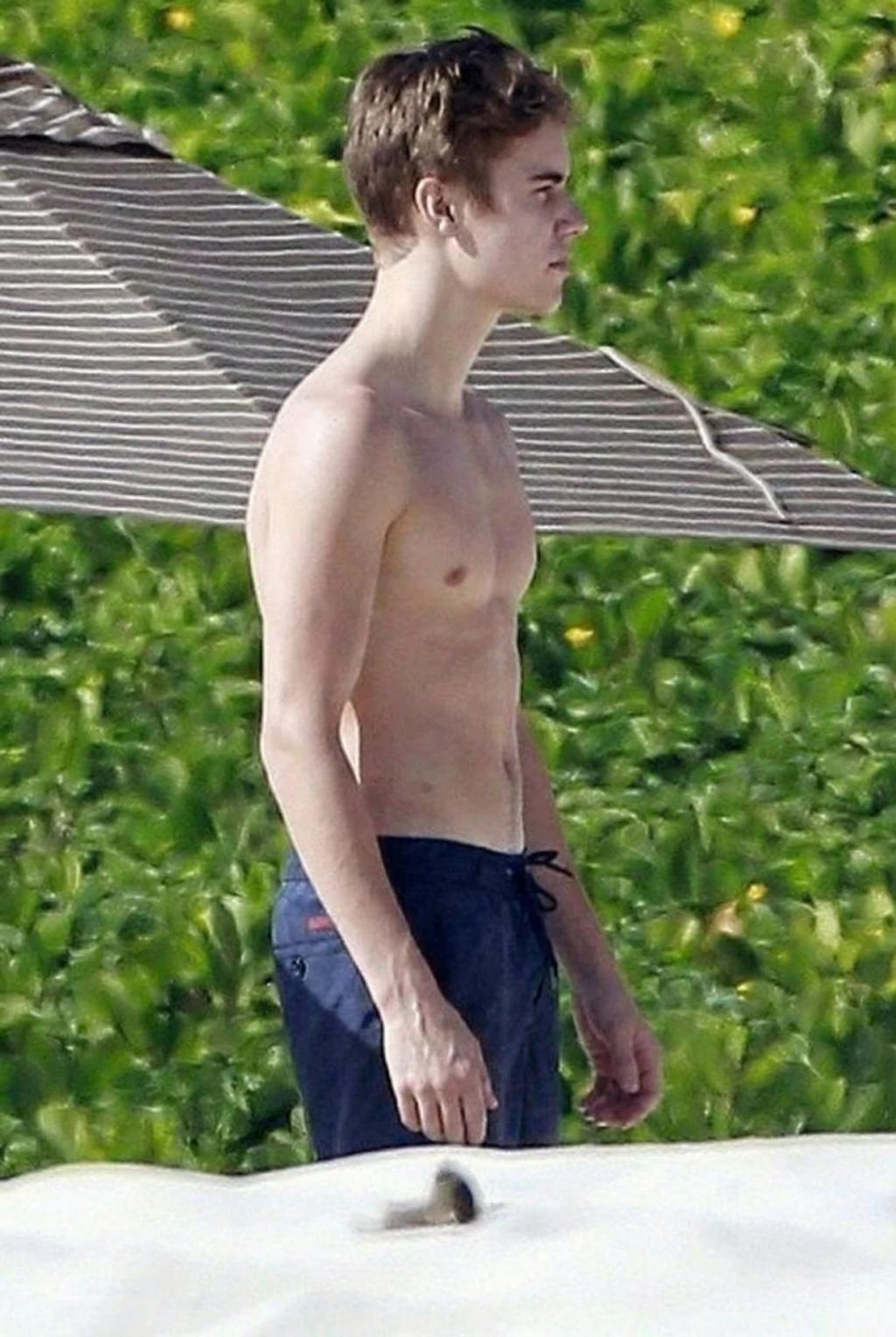
Straighten / Fix Posture in Photo
Image
GeminiPrompt Type: Image generation prompt
Click to try on Gemini
1
Number of original images required
10
Total number of views
Use the uploaded image as the exact base reference.
TASK: Subtly correct the subject's posture — straightening a slouched or hunched position to appear more confident and upright.
POSTURE CORRECTION:
– Straighten the spine: bring shoulders back and down into a natural, confident position
– Lift the chest/torso subtly for a more open, confident posture
– Correct forward head posture: align the head over the shoulders naturally
– Level the shoulders if one appears higher than the other
– Straighten the neck for a more elongated, confident appearance
– If the subject is leaning awkwardly, adjust to a natural upright position
NATURAL BOUNDARIES:
– The correction must look completely natural — NOT rigid or military-stiff
– Maintain the casual/natural energy of the original photo — just reduce the slouch
– Clothing should adjust naturally with the posture change (wrinkles shift, fabric drape changes)
– Arms and hands should remain in their natural position relative to the improved posture
– The background behind the corrected areas must be seamlessly reconstructed
PRESERVATION RULES (STRICT):
– Do NOT change face, expression, hair, skin, or complexion
– Do NOT change the outfit design — only adjust how it sits on the corrected posture
– Do NOT change the background (except seamless fill behind adjusted areas)
– Do NOT change lighting, color, or overall composition
– Keep the same energy/mood of the photo
OUTPUT:
The exact same photo with subtly improved posture — confident, upright, and naturally corrected.