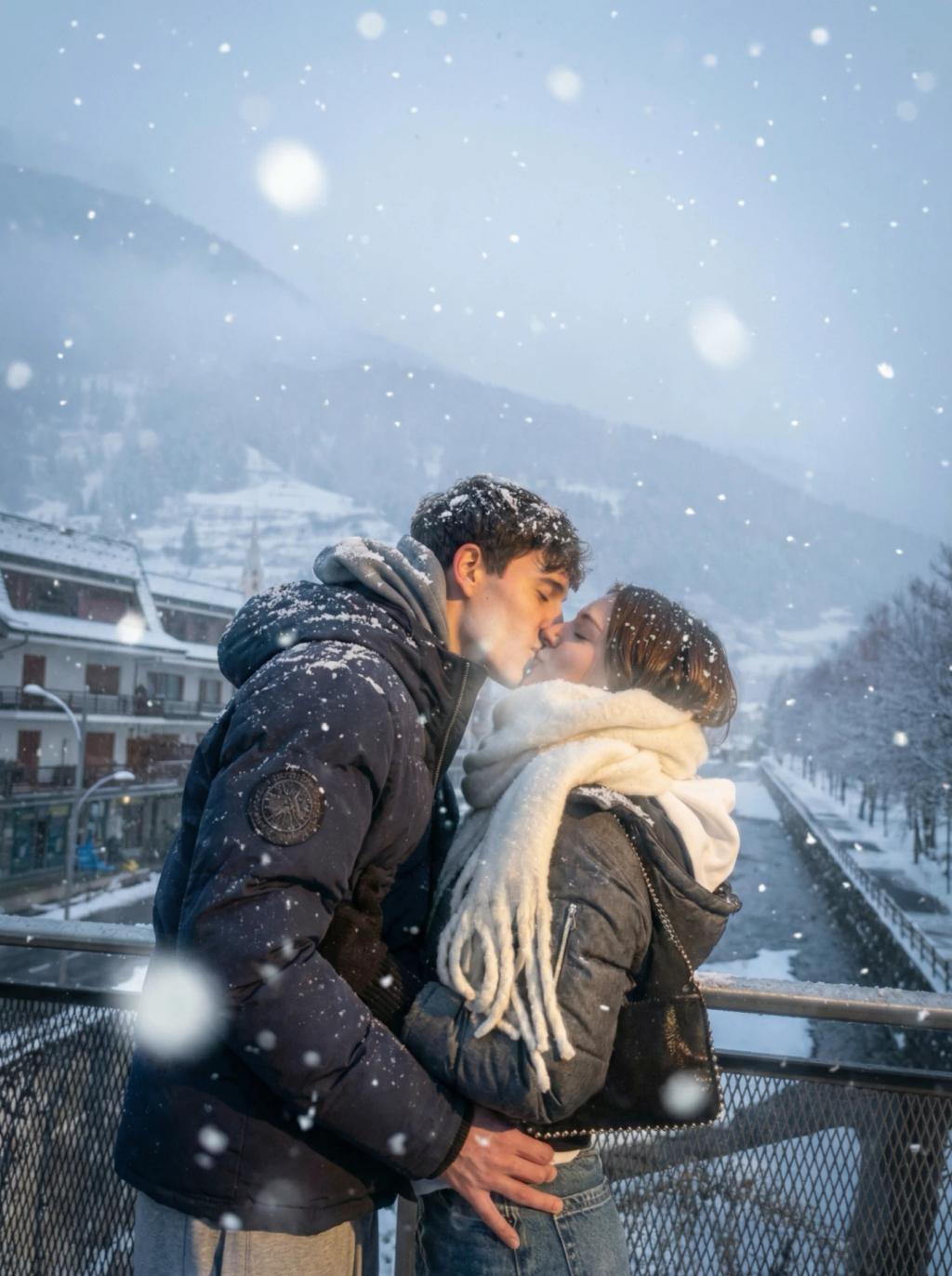
Soft K-Drama Snow Scene Effect Filter
Image
GeminiPrompt Type: Image generation prompt
Click to try on Gemini
1
Number of original images required
28
Total number of views
"Apply a romantic K-drama winter snow scene filter to the uploaded photo while preserving the subject exactly.
Snow effect:
– Add falling snowflakes throughout the scene — various sizes, from tiny distant dots to larger soft flakes in the foreground
– Foreground snowflakes should be slightly out of focus (large, soft, bokeh-like)
– Mid-ground snowflakes are crisp and detailed
– Background snowflakes are tiny and blurred
– Snow should appear to be falling gently, with slight diagonal drift suggesting a soft breeze
– A light dusting of snow on the subject's hair, shoulders, and any horizontal surfaces
Lighting & color:
– Soft, diffused overcast winter lighting with gentle warmth
– Slightly blue-cool color grade overall with warm accents on the subject's face
– Gentle golden-warm fill light on the subject as if from a nearby street lamp or warm interior
– Soft bloom and glow around light sources
– Snow catches and reflects warm light as it falls
Mood:
– Romantic, cinematic K-drama winter episode atmosphere
– Intimate, quiet, slightly melancholic but beautiful
– Like the pivotal confession scene in a Korean drama where it starts snowing
Atmospheric additions:
– Slight atmospheric fog/mist in the background
– Gentle breath-mist effect near the subject's mouth (very subtle, as if breathing in cold air)
– Soft vignette drawing focus to the subject
Hard rules:
– Do NOT change the subject's face, hair, body, expression, or pose
– Do NOT change the outfit, accessories, or composition
– Do NOT change the aspect ratio
– Only apply snow, winter lighting, and atmospheric mood effects
Output should look like a still from a K-drama snow scene — romantic, cinematic, and breathtaking."