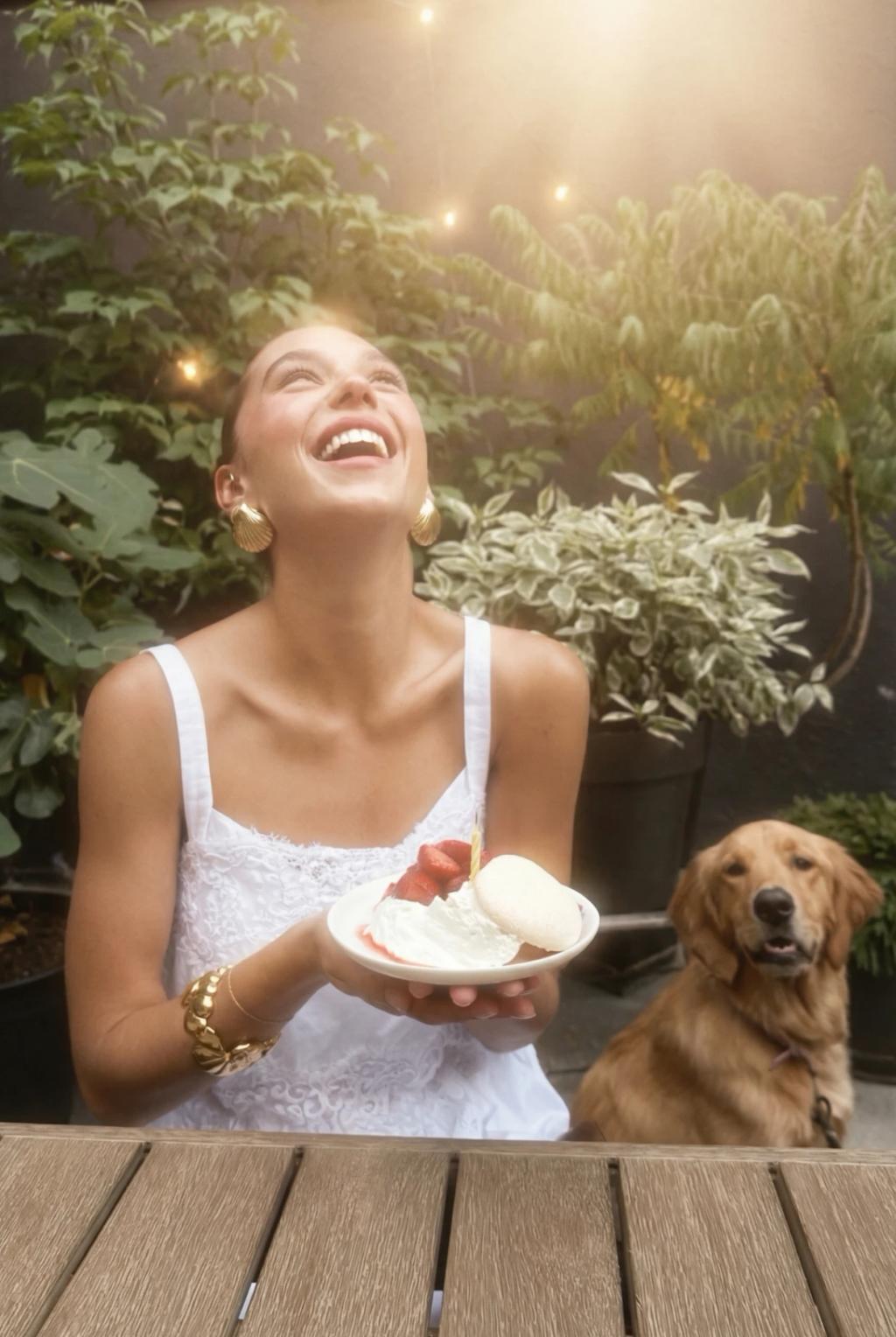
Soft Dreamy Haze Angelic Glow Effect
Image
GeminiPrompt Type: Image generation prompt
Click to try on Gemini
1
Number of original images required
10
Total number of views
Apply a soft dreamy haze and angelic glow effect to the uploaded photo while preserving the subject exactly.
Glow & haze treatment:
– Add a global soft diffusion layer as if shooting through a Pro-Mist or Black Mist filter
– Bright areas (highlights on skin, hair, clothing) should bloom outward with a warm, creamy glow
– A thin atmospheric haze wraps around the subject, especially along the edges of hair and shoulders
– Highlights should have extended, soft rolloff — no hard clipping, everything bleeds into softness
– Eyes should retain sharpness and sparkle despite the overall softness — slight bright catchlight enhancement
Lighting enhancement:
– Amplify existing light direction with warm golden undertones
– Add soft, diffused sunbeam-like light from above and behind, creating a subtle backlight glow
– Skin should appear luminous and translucent where light hits — dewy, radiant quality
– Gentle warm bloom around the forehead, cheekbones, and hair
Color grading:
– Warm, peachy-golden overall tone
– Highlights shift toward cream and warm white
– Shadows remain soft — lifted slightly with warm brown undertones
– Slight pink blush in midtones — especially cheeks and lips
– Gentle desaturation of non-skin colors
Texture:
– Very fine, soft film grain throughout
– Overall image softness (not blur) — like shooting through gauze or a diffusion filter
– Edges of frame softer than center
Hard rules:
– Do NOT change the subject's face, facial structure, hair, body, or expression
– Do NOT change the pose, outfit, camera angle, framing, or crop
– Do NOT change the aspect ratio
– Only apply diffusion, glow, warm color grading, and atmospheric haze
Output should look like a dreamy, soft-focus editorial portrait — angelic, warm, and ethereal.