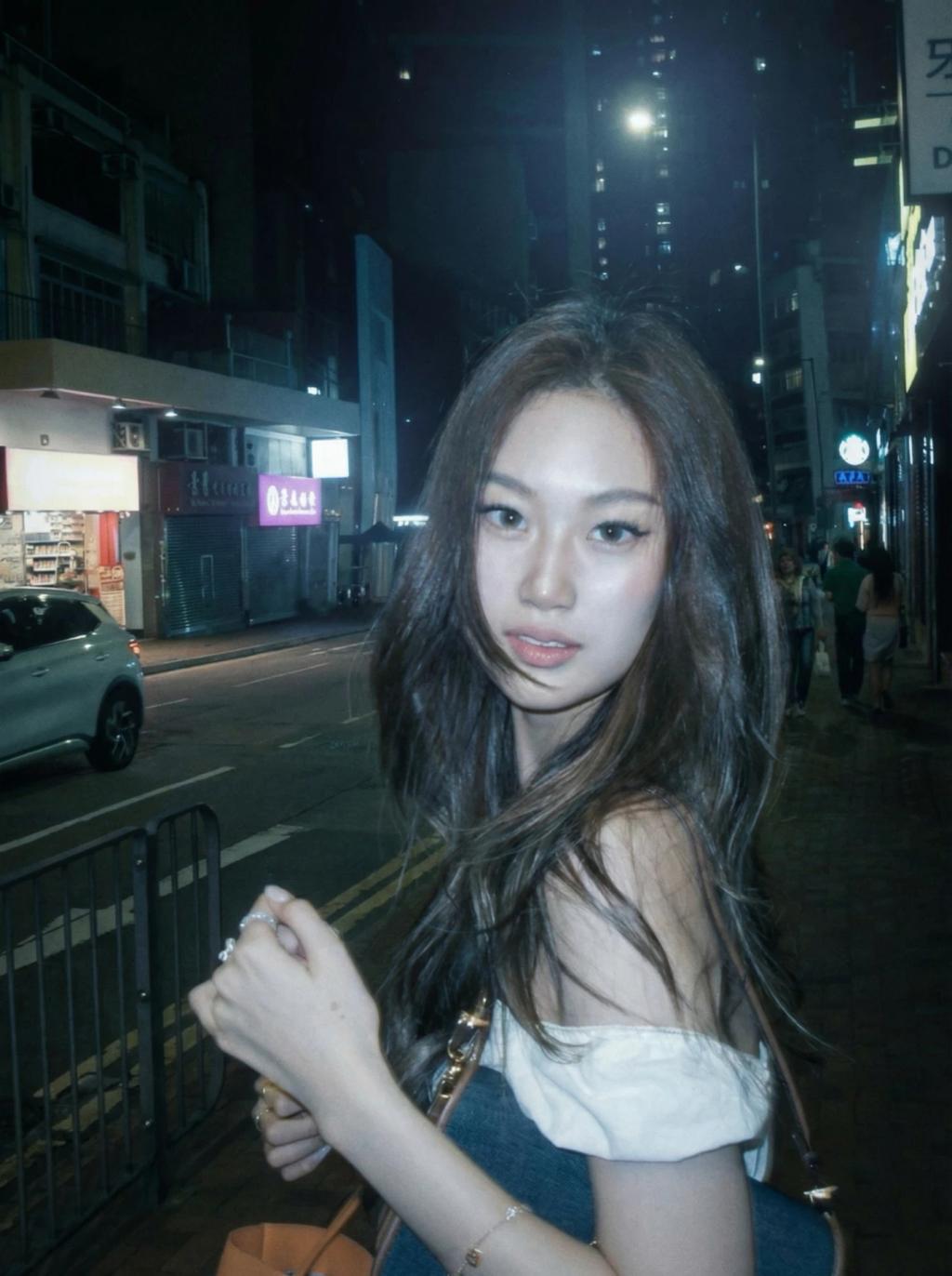
Soft Blue Moonlight Aesthetic Effect
Image
GeminiPrompt Type: Image generation prompt
Click to try on Gemini
1
Number of original images required
75
Total number of views
Use the uploaded image as the exact base reference.
Apply a soft blue moonlight aesthetic lighting effect, as if the subject is illuminated by cool, silvery moonlight filtering through a window or open sky at night.
Lighting & color treatment:
– Cast a dominant cool blue-silver light source from above and slightly behind the subject (~45° elevation, back-right)
– Blue light should feel soft, diffused, and naturalistic — like real moonlight, not a color filter
– Highlights should have a gentle icy-silver shimmer on cheekbones, forehead, nose bridge, shoulders, and hair
– Shadows should be deep, cool-toned, and atmospheric with subtle blue-grey undertones
– Slight ethereal glow and light bloom around the subject's silhouette edges
– Preserve natural skin warmth in the deepest midtones to prevent the subject looking unnatural
Mood & style:
– Quiet, contemplative, serene nighttime atmosphere
– Cinematic moonlit intimacy — like a still from a Sofia Coppola or Wong Kar-wai film
– Slightly dreamy but grounded — no fantasy glow, no sparkles
Quality & realism:
– Maintain realistic skin texture and pore-level detail
– Add subtle film grain and very slight noise consistent with low-light photography
– Preserve original sharpness on face and eyes
– Gentle soft-focus bloom around edges only
Hard rules:
– Do NOT change the subject's face, facial structure, hair, body, or expression
– Do NOT change the pose, camera angle, framing, or crop
– Do NOT change the outfit, accessories, or background structure
– Do NOT change the aspect ratio
– Only apply moonlight lighting, blue color grading, and atmospheric mood
Output should look like the original photo captured under natural moonlight — cinematic, quiet, and hauntingly beautiful.