Snow Effect
Image
GeminiPrompt Type: Image generation prompt
Click to try on Gemini
1
Number of original images required
751
Total number of views
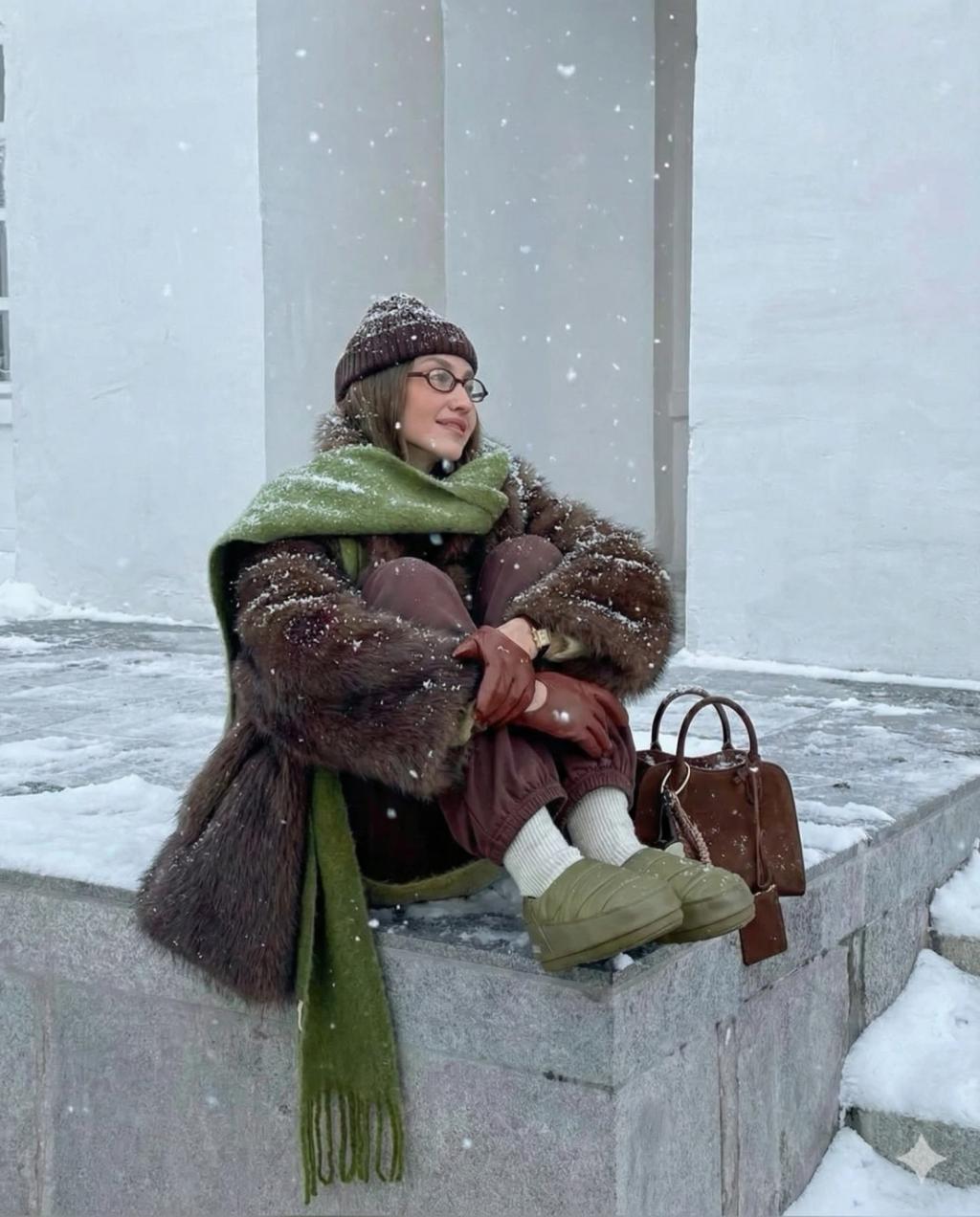
Transform the uploaded photo into a realistic winter scene with falling snow and natural snow buildup, while keeping the original subject, pose, clothing, background structure, camera angle, and composition completely unchanged.
Apply these changes:
• Add gentle to moderate snowfall with visible flakes at multiple depths, but not a blizzard and not heavily dense.
• Cover the ground with patches of snow and some piled areas, keeping original contours and surface visibility — not fully buried or uniformly white.
• Add light snow accumulation on natural surfaces: rooftops, trees, railings, benches, ledges, and object tops.
• Add subtle snow dusting on the subject's shoulders, sleeves, and hair edges — realistic but not fully covered.
• Color grade with cool winter tones: crisp whites, neutral shadows, slight blue tint — no warm glow or holiday color grading.
• Add a light atmospheric haze in the background to create a cold outdoor feeling without obscuring major details.
• Snow should look fresh, realistic, and photorealistic — not slushy, cartoonish, or soft-focus.
Hard rules:
• No glow, no fairy lights, no Christmas lighting.
• Do not change clothing.
• Do not change the original composition or remove objects.
• No added props (no ornaments, Santa hats, decorations, etc.).
• Photorealistic only.