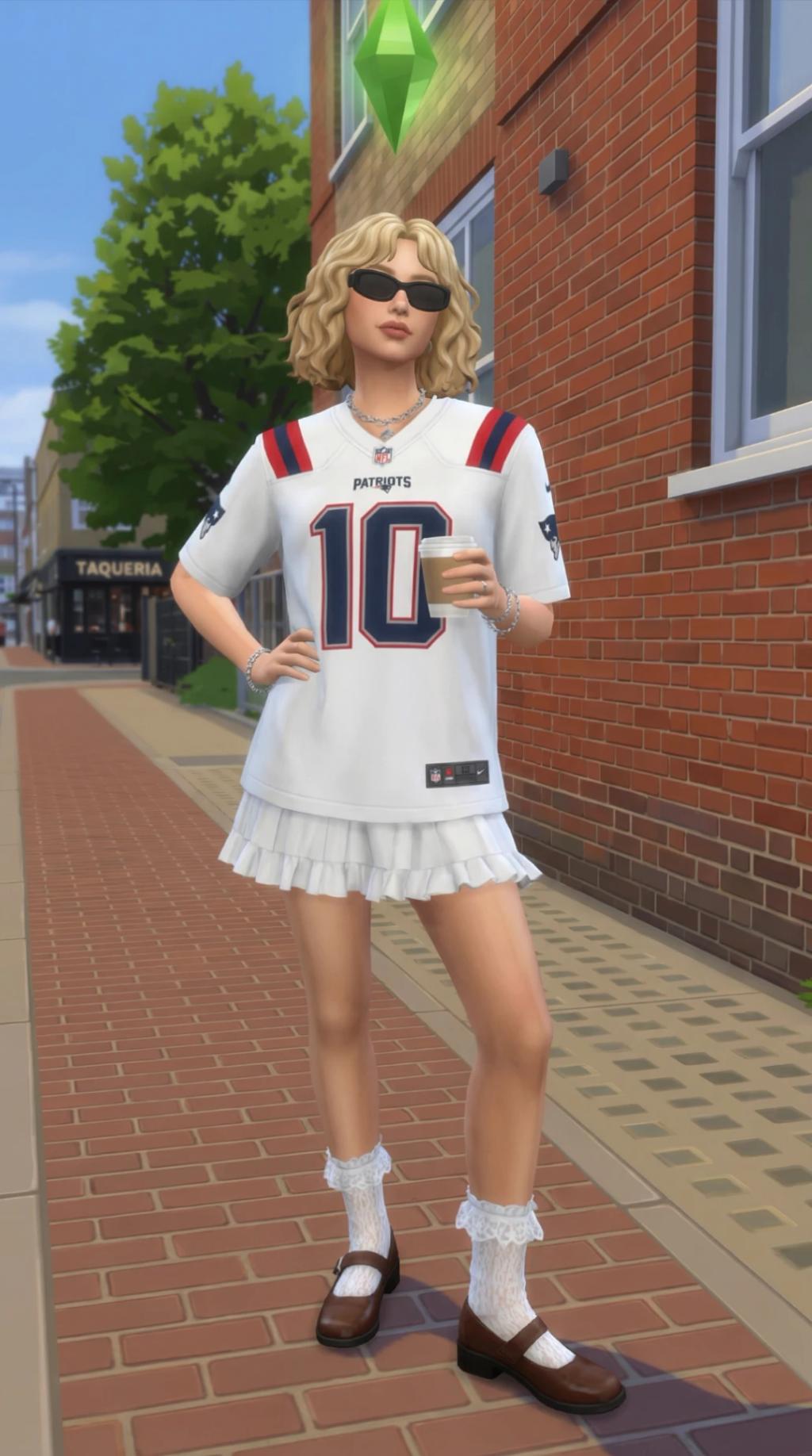
Sims 4 Game Scene
Image
GeminiPrompt Type: Image generation prompt
Click to try on Gemini
1
Number of original images required
1,752
Total number of views
Recreate the uploaded image EXACTLY — same composition, same framing, same subject placement, same poses, same objects, same environment layout — but fully transform and rebuild everything as a real-time 3D scene rendered inside The Sims 4 engine.
This is NOT a reinterpretation. It is a 1:1 scene reconstruction with ONLY the visual style changed to The Sims 4.
────────────────────────
SCENE LOCK (STRICT)
────────────────────────
– Preserve the EXACT camera angle, framing, and crop from the original image
– Maintain identical subject positioning, pose, gesture, and spacing
– Keep all objects, furniture, and background elements in the exact same locations
– Preserve scale relationships and proportions between all elements
– Do NOT add, remove, or rearrange anything
– The final image should match the original composition pixel-for-pixel, only differing in style
────────────────────────
SIMS 4 CHARACTER TRANSFORMATION
────────────────────────
– Convert all people into The Sims 4 characters
– Signature proportions:
• Slightly oversized head
• Large expressive eyes
• Small nose
• Soft rounded jawline
• Compact hands and simplified limbs
– Skin: smooth, matte, no pores, no hyper-detail
– Hair: chunky, sculpted meshes with plastic-like sheen (no individual strands)
– Clothing: simplified, slightly puffy, clean edges, minimal wrinkles
– Maintain original outfit colors and shapes as closely as possible within Sims constraints
– Facial expression and pose must EXACTLY match the source image
– Each character MUST have a floating green plumbob above their head with a soft glow
────────────────────────
ENVIRONMENT TRANSFORMATION
────────────────────────
– Rebuild the entire environment as a Sims 4 lot
– Keep layout EXACTLY the same as the original image
– Walls: flat, clean, slightly simplified surfaces
– Floors: tiled or repeating textures typical of Sims builds
– Furniture: chunky, rounded, slightly cartoonish, modular
– Objects must match placement, size, and orientation from the source image
Outdoor (if applicable):
– Perfectly trimmed grass
– Stylized bushes and trees with rounded, clustered foliage
– Clean sidewalks and decorative clutter placed intentionally
────────────────────────
MATERIALS & TEXTURES
────────────────────────
– All materials must look like Sims 4 assets:
• Wood: smooth with painted-on grain
• Fabric: flat and matte
• Metal: soft reflections, simplified
– No photorealism
– Everything slightly toy-like, clean, and stylized
────────────────────────
LIGHTING
────────────────────────
– Use Sims 4 in-game lighting style:
• Soft, even, and warm
• Low contrast shadows
• No harsh directional lighting
• Bright, airy interior glow
• Subtle ambient occlusion near edges
────────────────────────
COLOR STYLE
────────────────────────
– Use Sims 4 palette:
• Clean, saturated colors
• Warm pastels and bright accents
– Avoid realistic color grading
– Keep colors cheerful and game-like
────────────────────────
CAMERA (LOCKED TO SOURCE)
────────────────────────
– Match the EXACT camera perspective from the uploaded image
– Do NOT switch to default Sims angle if different
– No depth of field
– No cinematic blur
– No lens distortion
– Clean, stable, gameplay-like framing
────────────────────────
FINAL OUTPUT
────────────────────────
A perfect 1:1 recreation of the original image composition, but fully rebuilt as a polished, in-game screenshot from The Sims 4.
Bright. Clean. Stylized. Toy-like. Clearly Sims 4.