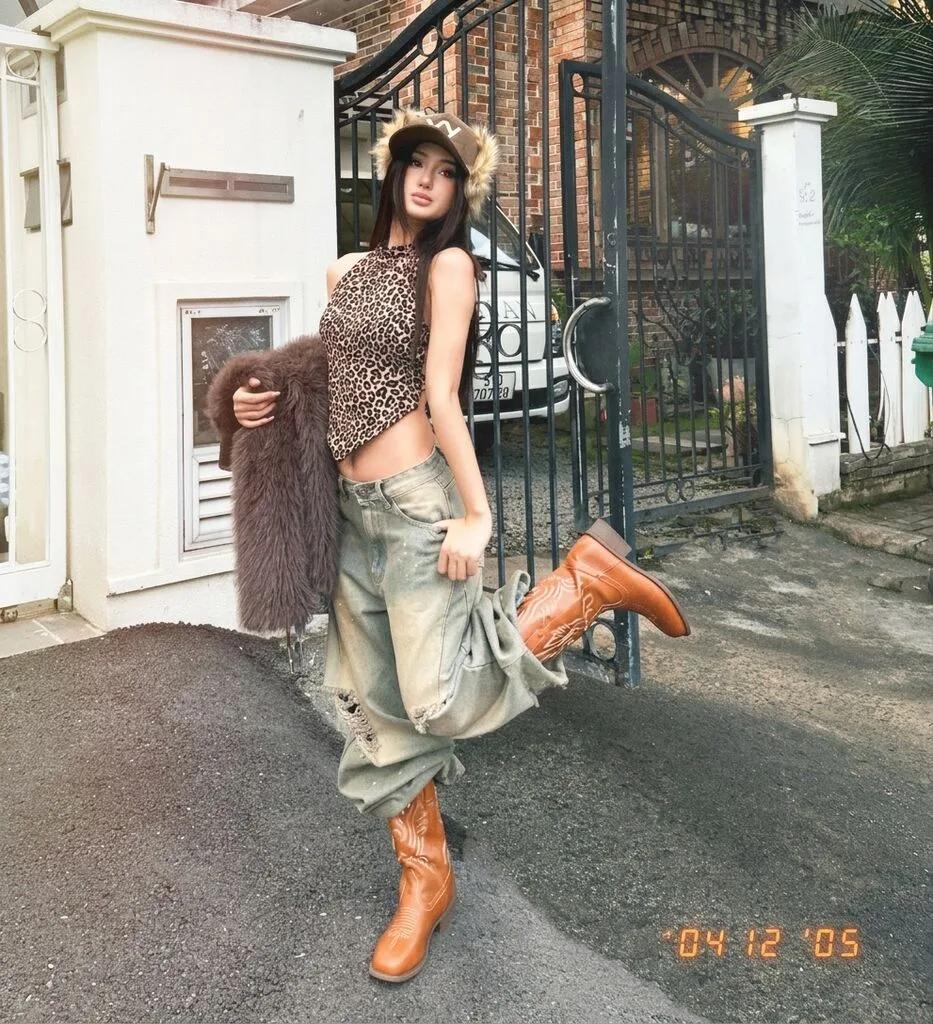
Retro Digicam Birthday Flash Filter
Image
GeminiPrompt Type: Image generation prompt
Click to try on Gemini
1
Number of original images required
9
Total number of views
Apply Retro Digicam Birthday Flash Filter to the uploaded photo. Use the uploaded image as the ONLY identity reference for the subject. Preserve the subject’s face, hairstyle, skin tone, clothing, and expression exactly while transforming the image through color, light, atmosphere, and photographic finishing only.
COLOR DIRECTION. Rebuild the full image around the palette, highlight behavior, shadow tint, grain, contrast curve, white balance, and environmental mood implied by Retro Digicam Birthday Flash Filter. Make the grade feel like a real, intentional photography treatment rather than a generic preset. Preserve natural skin detail while allowing the lighting and palette to shape the emotional tone.
ATMOSPHERE. Add the environmental cues that support the grade: haze, rain reflection, dust, warm glow, cool overcast light, neon spill, or analog film softness where appropriate. Keep the subject cleanly readable and flattering.
OUTPUT. Premium photographic result with believable color science, subtle texture, and strong mood. Negative constraints. No cartoon or painted look. No face reshaping. No overprocessed HDR artifacts. No oversaturation unless the concept explicitly calls for it. No text artifacts or image distortions.