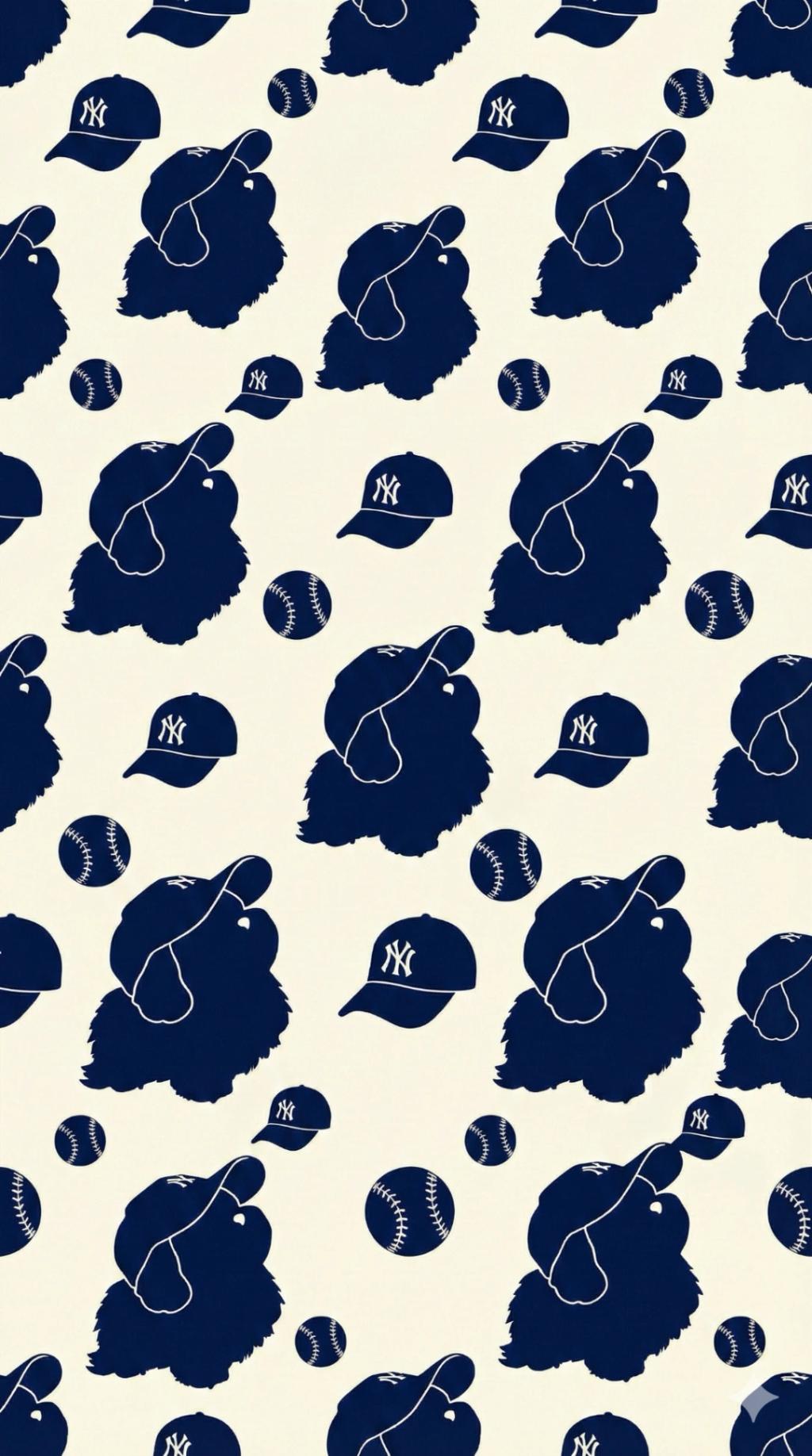
Repetitive Pattern Based on Image
Image
GeminiPrompt Type: Image generation prompt
Click to try on Gemini
1
Number of original images required
8
Total number of views
Create a seamless repeating pattern design in a 9:16 aspect ratio using elements extracted from the user-uploaded image.
Identify the key elements from the uploaded image (characters, objects, animals, items, food, or notable shapes). Convert each selected element into simplified silhouettes or clean minimal icons suitable for a repeating pattern.
Style:
• Minimal, modern silhouettes with smooth outlines
• Flat colors only—no shading, gradients, or textures
• Clean, consistent visual style across all extracted elements
Pattern Layout:
• Arrange all icons in a diagonal pattern that flows from the top-right corner to the bottom-left corner, at a 45-degree angle.
• Maintain a repeating rhythm so the diagonal lines of icons feel continuous across the entire canvas.
• Use rotation, mirroring, and size variation subtly, but keep the main directional flow strictly top-right → bottom-left.
• Ensure balanced spacing to avoid clutter while keeping the pattern visually full.
Color & Background:
• Use a two-color palette inspired by the uploaded image (one background color + one silhouette/icon color).
• Maintain strong contrast for a clean and readable pattern.
Output Rules:
• Aspect ratio must be 9:16.
• Do NOT include the original photo directly—only use extracted stylized elements.
• The entire pattern must follow a consistent diagonal direction at 45 degrees.
• The pattern should resemble a modern textile or wallpaper print.
Final Goal:
A seamless, aesthetically pleasing 45-degree diagonal repeating pattern based on elements found in the user’s image, flowing from top-right to bottom-left across the entire canvas.
Create a seamless repeating pattern design in a 9:16 aspect ratio using elements extracted from the user-uploaded image.
Identify the key elements from the uploaded image (characters, objects, animals, items, food, or notable shapes). Convert each selected element into simplified silhouettes or clean minimal icons suitable for a repeating pattern.
Style:
• Minimal, modern silhouettes with smooth outlines
• Flat colors only—no shading, gradients, or textures
• Clean, consistent visual style across all extracted elements
Pattern Layout:
• Arrange all icons in a diagonal pattern that flows from the top-right corner to the bottom-left corner, at a 45-degree angle.
• Maintain a repeating rhythm so the diagonal lines of icons feel continuous across the entire canvas.
• Use rotation, mirroring, and size variation subtly, but keep the main directional flow strictly top-right → bottom-left.
• Ensure balanced spacing to avoid clutter while keeping the pattern visually full.
Color & Background:
• Use a two-color palette inspired by the uploaded image (one background color + one silhouette/icon color).
• Maintain strong contrast for a clean and readable pattern.
Output Rules:
• Aspect ratio must be 9:16.
• Do NOT include the original photo directly—only use extracted stylized elements.
• The entire pattern must follow a consistent diagonal direction at 45 degrees.
• The pattern should resemble a modern textile or wallpaper print.
Final Goal:
A seamless, aesthetically pleasing 45-degree diagonal repeating pattern based on elements found in the user’s image, flowing from top-right to bottom-left across the entire canvas.