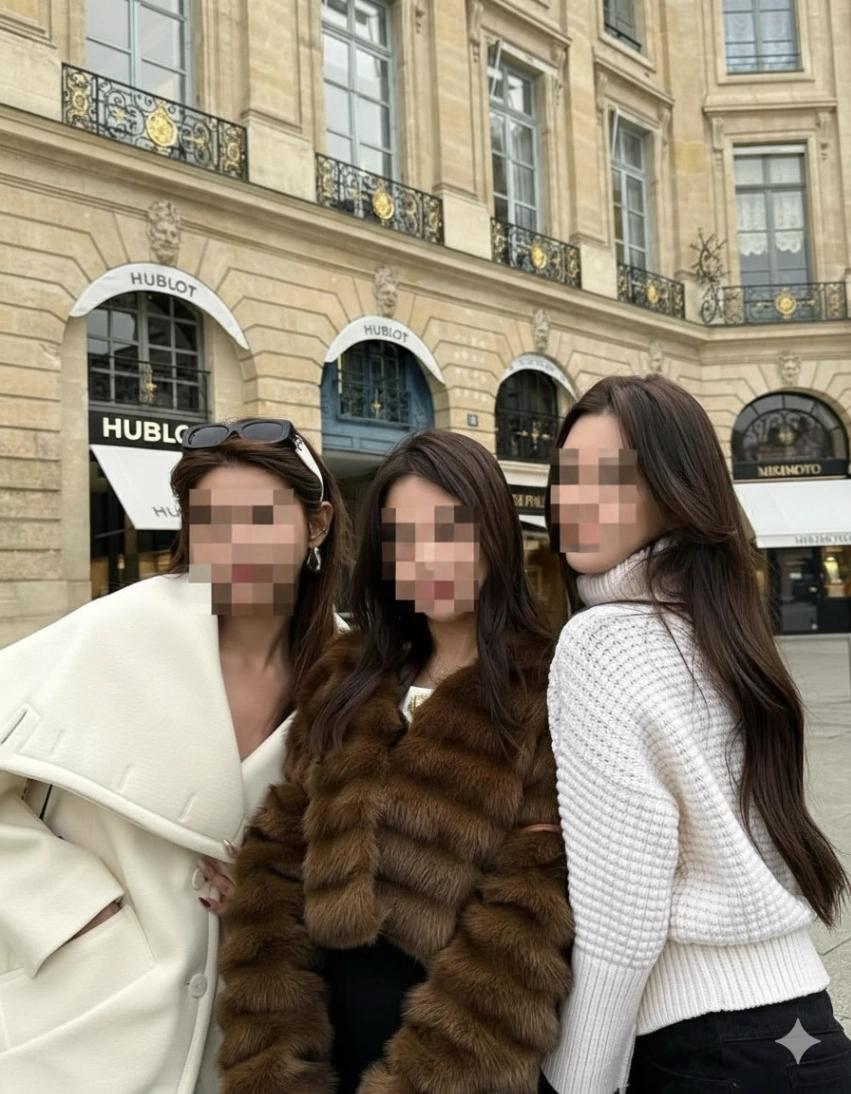
Mosaic Censor All Faces
Image
GeminiPrompt Type: Image generation prompt
Click to try on Gemini
1
Number of original images required
8
Total number of views
Use the uploaded image and keep all subjects, their poses, outfits, body proportions, and the entire background exactly unchanged.
STEP 1 — ANALYSIS (MANDATORY):
Analyze the image and identify every subject present. This includes all humans and human-like faces, regardless of:
– foreground or background
– size or distance
– partial visibility or angle
– reflections, mirrors, screens, posters, photos, or any embedded imagery
STEP 2 — ENFORCED MOSAIC (NO EXCEPTIONS):
For every identified subject, apply an ULTRA-CHUNKY MOSAIC censor to the entire face.
Mosaic specifications (STRICT):
– Use gigantic square pixel blocks (extremely large tiles).
– Each face must reduce to only a few massive square blocks.
– Harsh, blocky, extremely low-resolution pixelation.
– No blending, no smoothing, zero facial detail visible.
– Mosaic must completely cover the full facial area for every subject.
ABSOLUTE RULES:
– Every face identified in Step 1 must be mosaiced.
– No face may remain uncensored under any circumstances.
– Do NOT prioritize a main subject — all subjects are treated equally.
DO NOT:
– Do NOT change colors, lighting, hair, clothing, pose, expressions, or background.
– Do NOT crop, zoom, or reframe the image.
ONLY PERMITTED ACTION:
Analyze → identify all subjects → apply extreme mosaic censor to every face, every time.