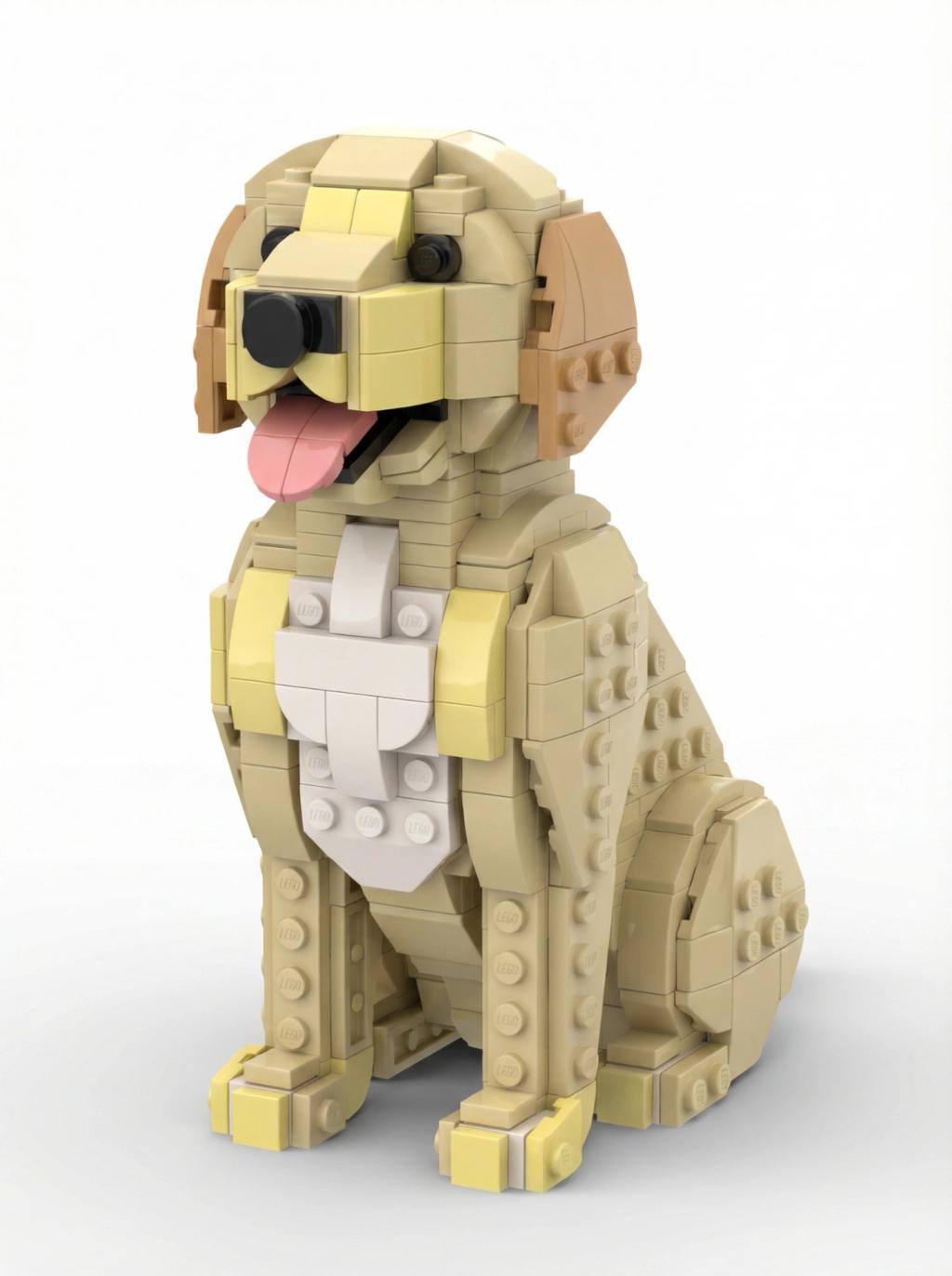
LEGO Pet Transformation
Image
GeminiPrompt Type: Image generation prompt
Click to try on Gemini
1
Number of original images required
8
Total number of views
Use the uploaded image as the exact base reference.
GOAL
Analyze the uploaded image and transform ONLY the animal (pet) into a LEGO-style animal character, then place the transformed LEGO pet on a clean white background.
ABSOLUTE RULES (NON-NEGOTIABLE)
• ONLY the pet is allowed to appear in the final image.
• Remove ALL other elements completely (humans, background, furniture, environment).
• Do NOT alter the pet’s identity, pose, proportions, or orientation.
ANALYSIS & SEGMENTATION
• First, analyze and segment the image.
• Precisely isolate the animal (pet) as the only subject.
• Discard all non-pet elements entirely.
PET TRANSFORMATION (LEGO STYLE ONLY)
• Transform the isolated pet into a LEGO-style animal character.
• Use authentic LEGO geometry:
– Studded plastic surfaces
– Cylindrical, block-based construction
– Simplified LEGO animal proportions
• Material must look like molded LEGO plastic:
– Smooth, glossy surface
– Subtle specular highlights
– No fur texture, no realism
• Apply solid LEGO-like colors only (no gradients).
• Match the original pet’s colors and markings as closely as possible within LEGO color limitations.
• Preserve the pet’s original pose, scale, orientation, and silhouette exactly.
BACKGROUND & COMPOSITION
• Place the LEGO pet centered on a pure white background (#FFFFFF).
• No shadows extending into an environment.
• If a shadow exists, it must be a soft studio-style grounding shadow only.
STRICT EXCLUSIONS
DO NOT include:
• Humans
• Original background or environment
• Props, accessories, or added objects
• Text, UI, frames, or borders
• Filters or additional stylization
FINAL OUTPUT
• Single LEGO-style pet only, fully visible.
• Clean white background with studio-product-photo feel.
• Crisp edges, no blur, no artifacts.
• High-resolution output suitable for product-style presentation.