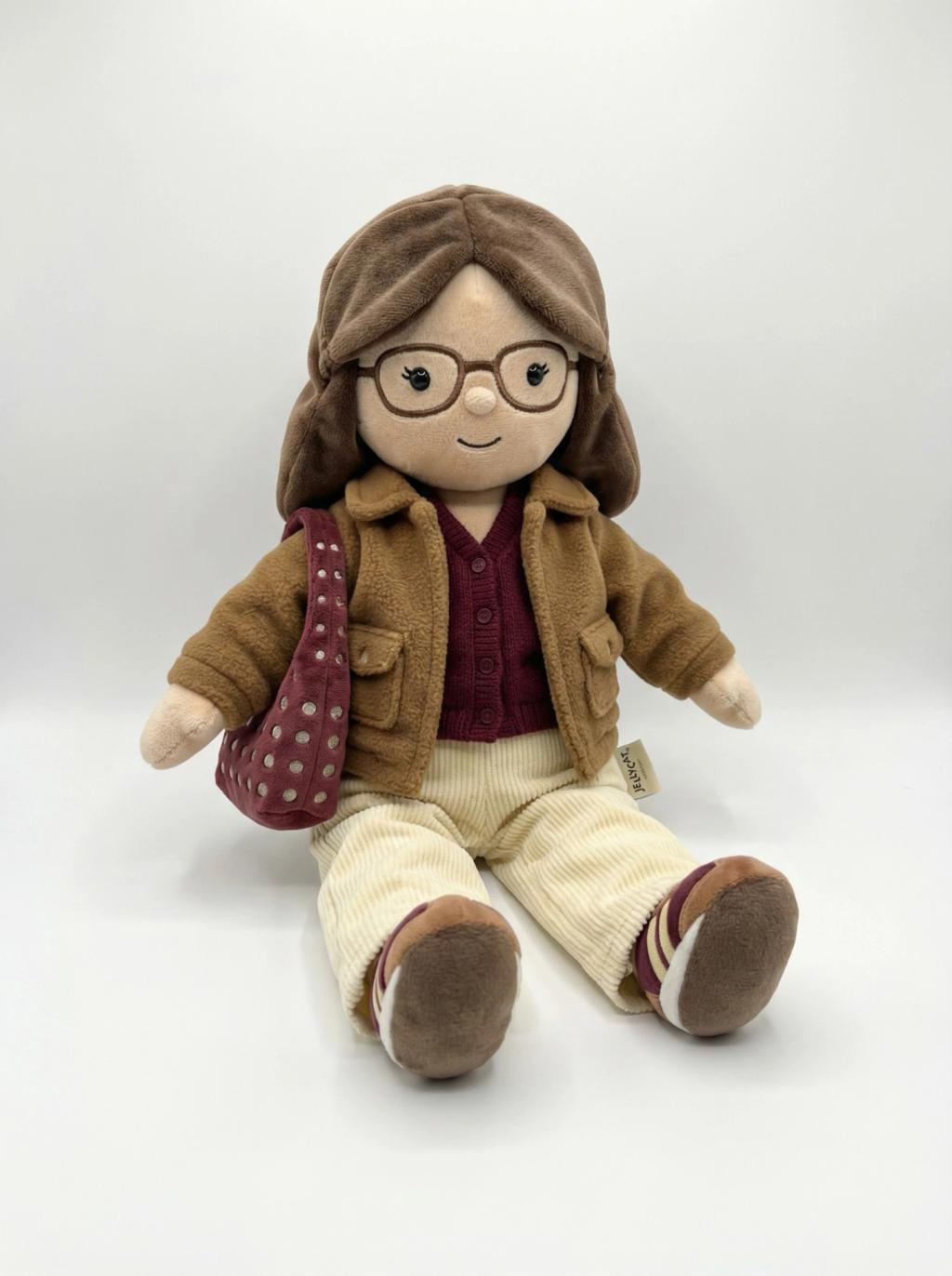
Jellycat Plush Toy
Image
GeminiPrompt Type: Image generation prompt
Click to try on Gemini
1
Number of original images required
693
Total number of views
Use the uploaded photo as the ONLY identity reference.
Transform the person into an adorable Jellycat-style plush stuffed animal version of themselves.
OUTPUT REQUIREMENTS:
– Generate ONLY the plush doll (no environment, no props, no additional objects)
– Pure white seamless background (#FFFFFF)
– Centered composition
– Full-body plush visible (head to feet fully in frame)
– Clean studio product photography look
JELLYCAT STYLE DETAILS:
– Soft, velvety plush fabric texture (matte, slightly fuzzy surface)
– Floppy, lightly stuffed limbs with relaxed natural drape
– Rounded bean-bag weighted bottom so it can sit upright
– Small embroidered black dot eyes
– Tiny stitched curved smile
– Minimal facial detailing (simple and cute)
IDENTITY ADAPTATION:
– Preserve recognizable hairstyle, hair color, and outfit colors from the original photo
– Reinterpret clothing as soft sewn fabric (felt, fleece, knit textures)
– Simplify patterns while keeping signature details
– Convert accessories into plush-safe stitched versions
PRODUCT FINISHING:
– Subtle natural shadow directly beneath the plush (soft grounding shadow only)
– Soft, diffused studio lighting
– No harsh shadows
– No background elements
– No text
– Include a small cream-colored Jellycat-style fabric tag stitched near the bottom seam
The final image should look like an official Jellycat catalog product photo on a clean white studio background.