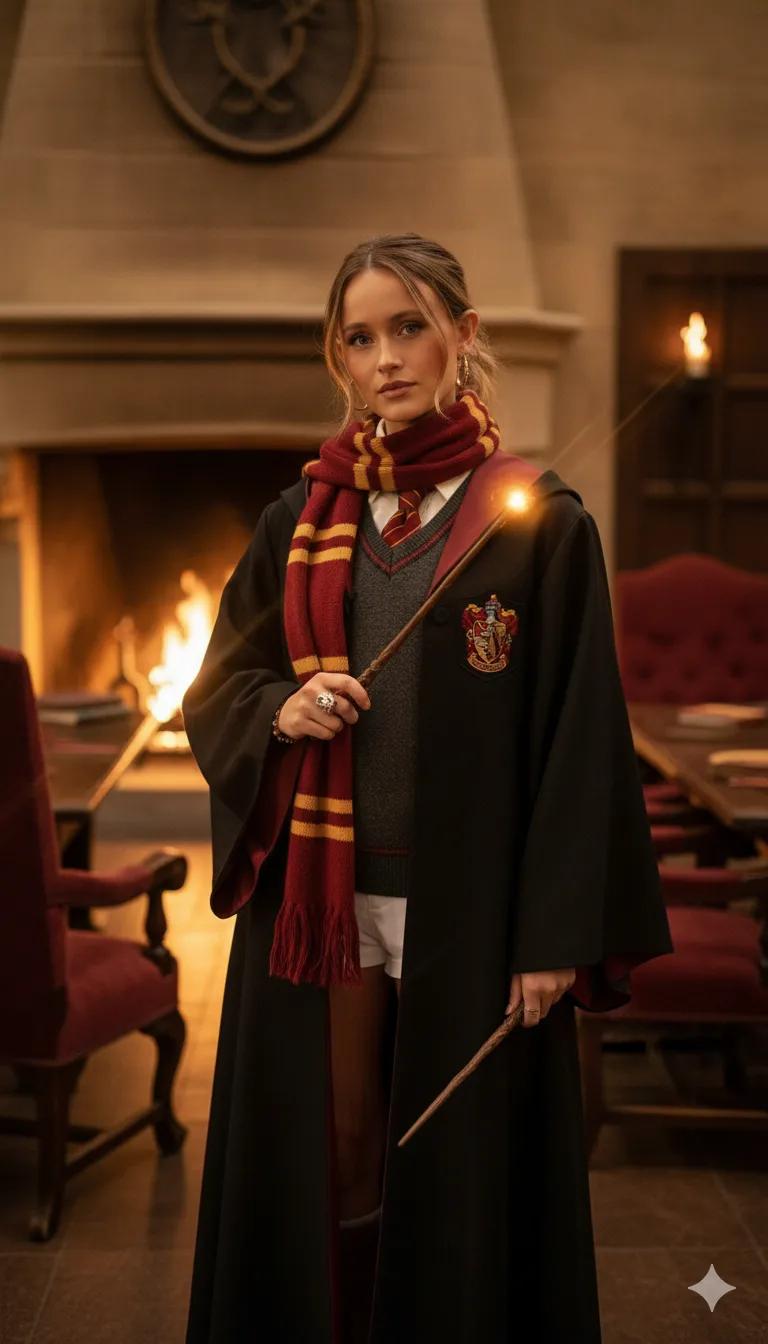
Harry Potter Style
Image
GeminiPrompt Type: Image generation prompt
Click to try on Gemini
1
Number of original images required
2,487
Total number of views
Transform the subject from the uploaded photo into a character from the Harry Potter universe, matching them to the Hogwarts house they visually belong to — Gryffindor, Slytherin, Ravenclaw, or Hufflepuff — based on their overall aura, expression, and style.
Art Style & Aesthetic: cinematic Harry Potter film look; detailed, realistic portrait lighting; subtle magic atmosphere with warm or cool color grading to fit the house.
Character Conversion Details:
Dress the subject in a Hogwarts uniform appropriate for their assigned house: colored robes, tie, and crest (Gryffindor = red/gold, Slytherin = green/silver, Ravenclaw = blue/bronze, Hufflepuff = yellow/black).
Give them a matching wand design (wood type and ornamentation reflecting their house’s energy).
Add small house-themed accessories: scarf, brooch, enchanted ring, or magical pendant.
Optionally include a subtle magical prop: floating spell light, book of charms, potion vial, or pet familiar (owl, cat, toad, or snake).
Environment: Hogwarts setting that complements their house —
Gryffindor: warm firelit common room or castle courtyard at sunset.
Slytherin: moody stone dungeon with green glow reflections.
Ravenclaw: airy tower room with blue moonlight and books.
Hufflepuff: golden-toned greenhouse or cozy lounge with plants.
Rendering Style: photorealistic, cinematic lighting, volumetric shadows, shallow depth of field, slightly mystical atmosphere.
Aspect ratio: 9:16 portrait.
The final image should look like an official Hogwarts portrait photo — magical, elegant, and immersive, perfectly reflecting the house personality that best suits the subject.