Flash Effect
Image
GeminiPrompt Type: Image generation prompt
Click to try on Gemini
1
Number of original images required
6,686
Total number of views
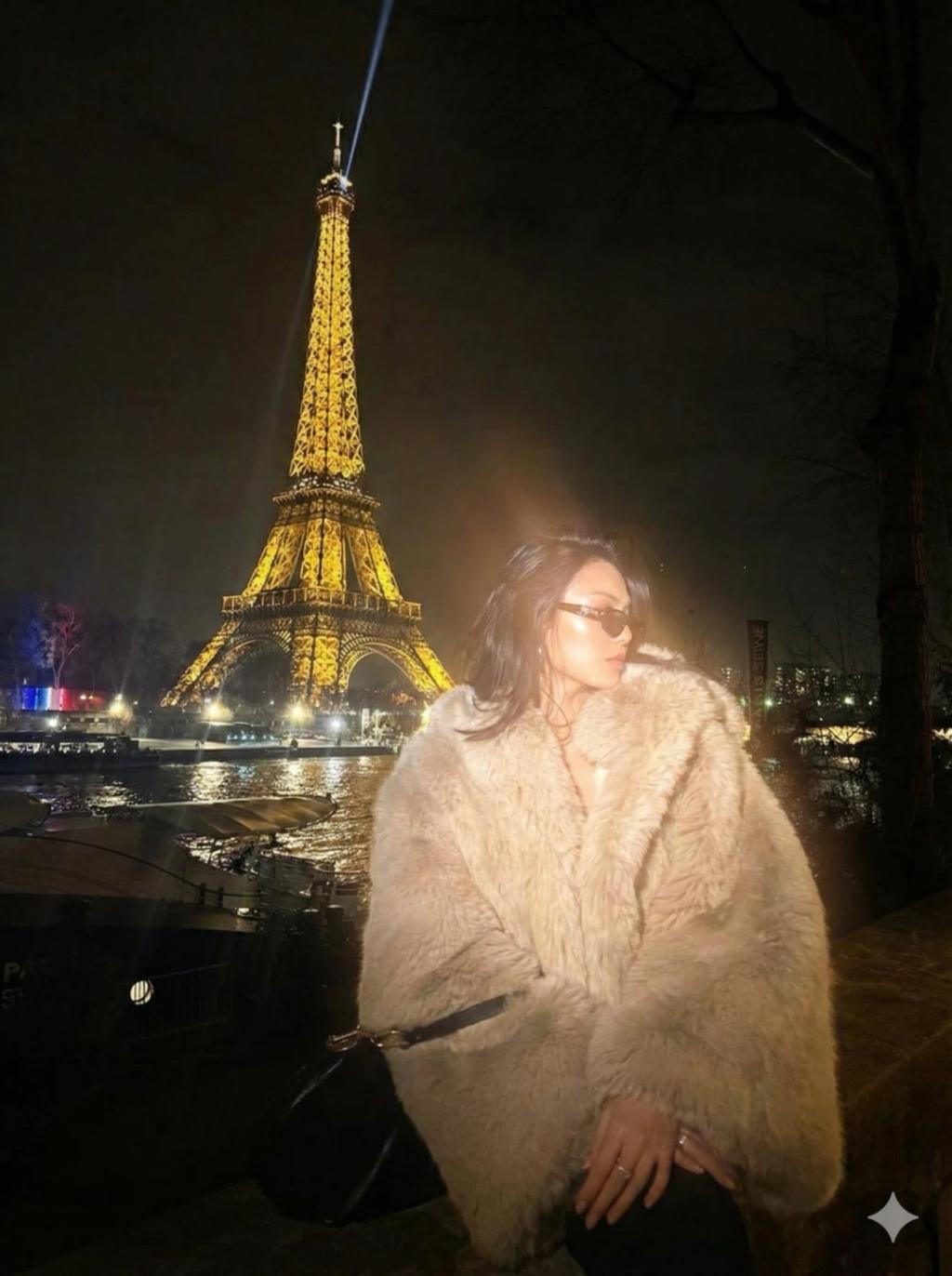
Apply a bold night-flash aesthetic to the uploaded photo while fully preserving every original detail of the photo unchanged except for lighting, glow, and color mood.
Keep the nighttime environment dark, deep, and unlit, maintaining all existing shadows and silhouettes. Do not brighten or alter the background except for slightly enhancing existing point lights to keep the night atmosphere realistic.
Illuminate the subject with a strong, warm, and direct front-facing flash. The flash should be drawn precisely to the face and upper body, making the subject the brightest element in the entire frame. Add diffused sunbeams striking the subject’s skin, creating a glowing highlight on cheekbones, nose bridge, lips, and hair strands. Maintain clear separation between bright sunlit areas and soft, deep shadows to create a cinematic high-contrast mood.
Inject subtle lens bloom, light haze, and a thin layer of atmospheric glow around the face and shoulders. Render skin with luminous translucency and gentle peachy tones. Enhance stray hair strands backlit by sunlight.
Hard rule: Do not change the face and hairs of the subject. Do not change the composition and background.