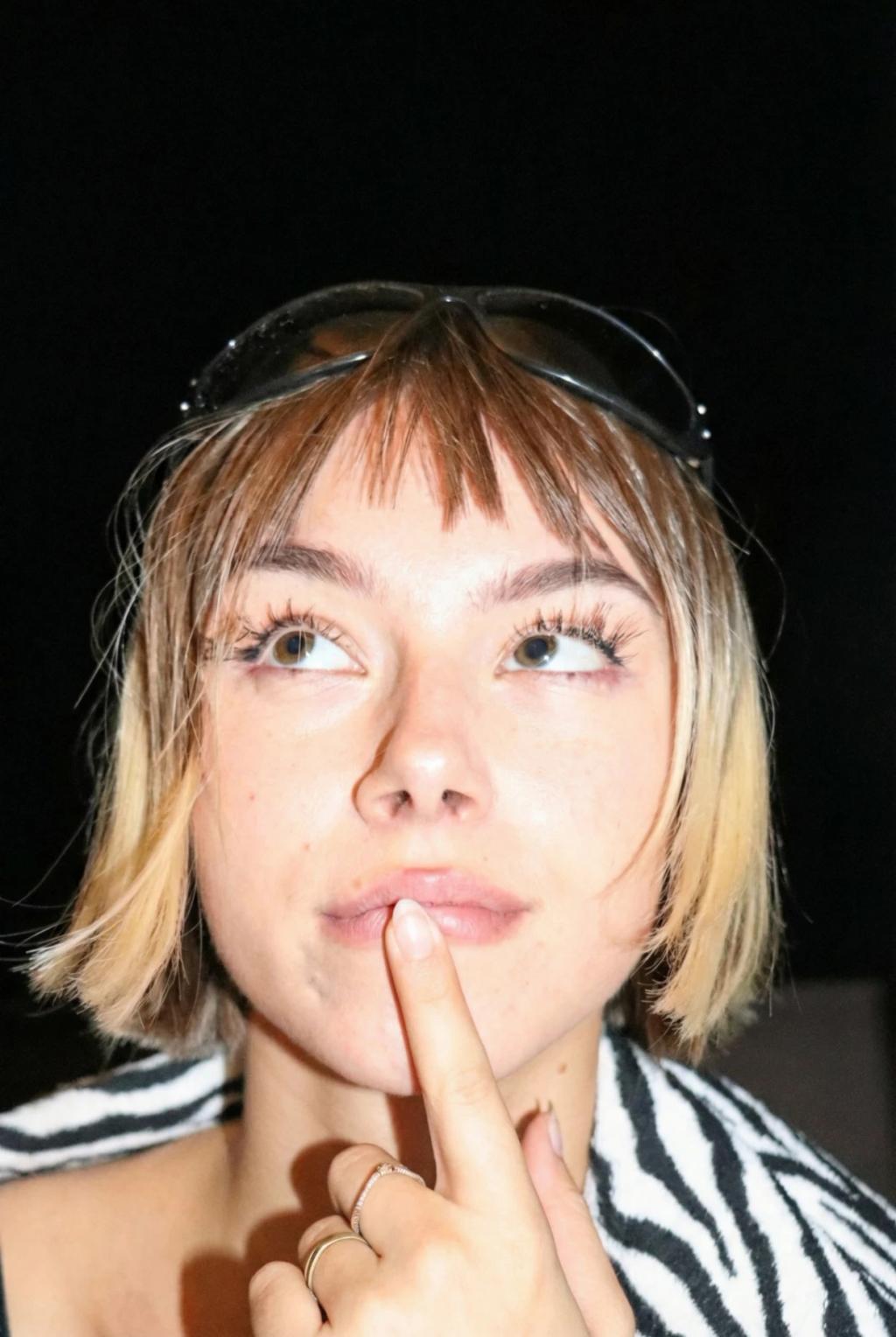
Fix Overexposed / Blown-Out Photo
Image
GeminiPrompt Type: Image generation prompt
Click to try on Gemini
1
Number of original images required
165
Total number of views
Use the uploaded image as the exact base reference.
TASK: Correct an overexposed or blown-out photo — recovering lost detail in bright areas and restoring proper exposure and color balance.
EXPOSURE CORRECTION:
– Reduce overall exposure to restore natural brightness levels
– Recover detail in blown-out highlight areas (white clipped skin, sky, clothing)
– Restore natural skin tone that was washed out by overexposure
– Bring back color information in areas that appeared pure white
– Re-establish proper highlight-to-shadow ratio
– Recover texture and detail that was lost in bright areas (fabric patterns, hair strands, background detail)
COLOR RESTORATION:
– Restore natural color saturation that was desaturated by overexposure
– Re-establish accurate skin tones (overexposed skin often loses warm undertones)
– Correct white balance if the overexposure caused a color shift
– Bring back natural contrast and tonal range
– Maintain consistent color accuracy throughout the corrected image
QUALITY:
– Final exposure should look naturally correct — as if the photo was properly exposed at capture
– Maintain the original lighting direction and mood — just correct the exposure level
– Preserve natural shadow depth — don't overcorrect into underexposure
– No added filters, effects, or stylization
PRESERVATION RULES (STRICT):
– Do NOT change the subject's face, features, hair, body, pose, or outfit
– Do NOT alter the composition, framing, or background structure
– ONLY correct exposure, recover highlights, and restore natural color
OUTPUT:
The same photo with corrected exposure — properly lit, naturally colored, with recovered highlight detail.