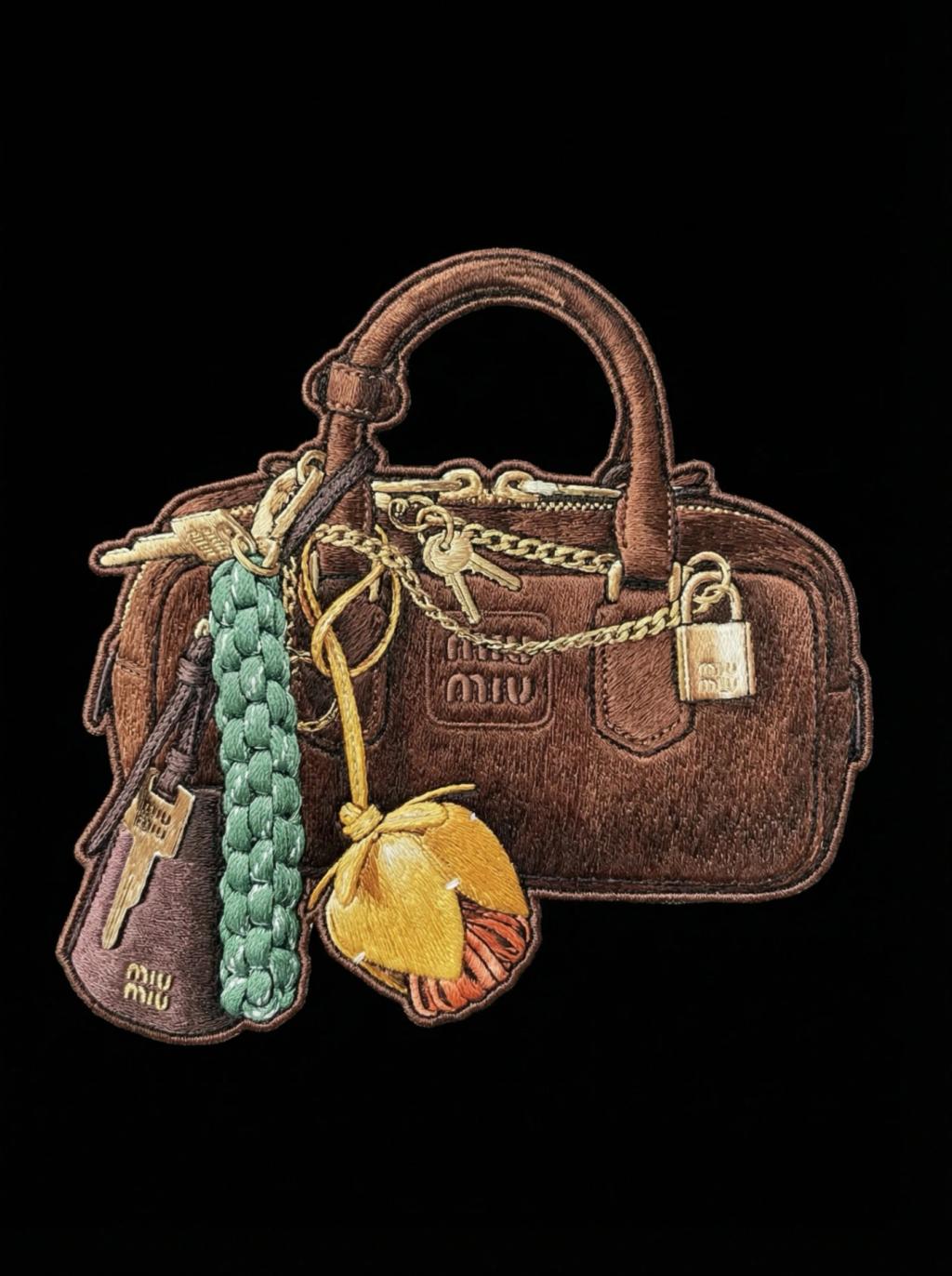
Embroidery Patch (Item)
Image
GeminiPrompt Type: Image generation prompt
Click to try on Gemini
1
Number of original images required
369
Total number of views
TASK:
Use the uploaded image as the exact reference.
Identify the single main item in the image and transform ONLY that item into an embroidered cutout.
ITEM SELECTION (STRICT):
- Detect the primary object or main item in the image (the clear focal object).
- Exclude people, hands, faces, background elements, and secondary objects.
- Output ONLY the main item.
EMBROIDERY CUTOUT STYLE:
- The main item is fully rendered using embroidery thread.
- No patch backing, no badge shape, no fabric base.
- Clean stitched outline precisely following the item’s silhouette.
- Item appears as a standalone embroidered cutout.
STITCH DETAILS:
- Visible embroidery stitches (satin stitch, fill stitch, fine outline stitching).
- Thread direction follows the form, contours, and structure of the item.
- Layered stitch density to create depth and separation.
- Slightly raised embroidery texture with natural thread overlap.
COLOR & SIMPLIFICATION:
- Colors closely match the original item.
- Simplified to embroidery-appropriate tones.
- No painted or digital gradients.
- Shading achieved only through stitch density, layering, and direction.
BACKGROUND & COMPOSITION:
- Solid pure black background (#000000).
- Embroidered item is perfectly centered in the frame.
- No shadows, no environment, no surface texture.
LIGHTING:
- Soft, even lighting to reveal stitch texture and depth.
- Subtle highlights on raised threads.
- No glossy, plastic, or metallic reflections.
STYLE GUARDRAILS:
- Do NOT include people or body parts.
- Do NOT include patch borders, frames, or fabric sheets.
- Do NOT look like vector art, sticker art, or printed graphics.
- Must look like real hand embroidery, cleanly cut out and photographed against black.