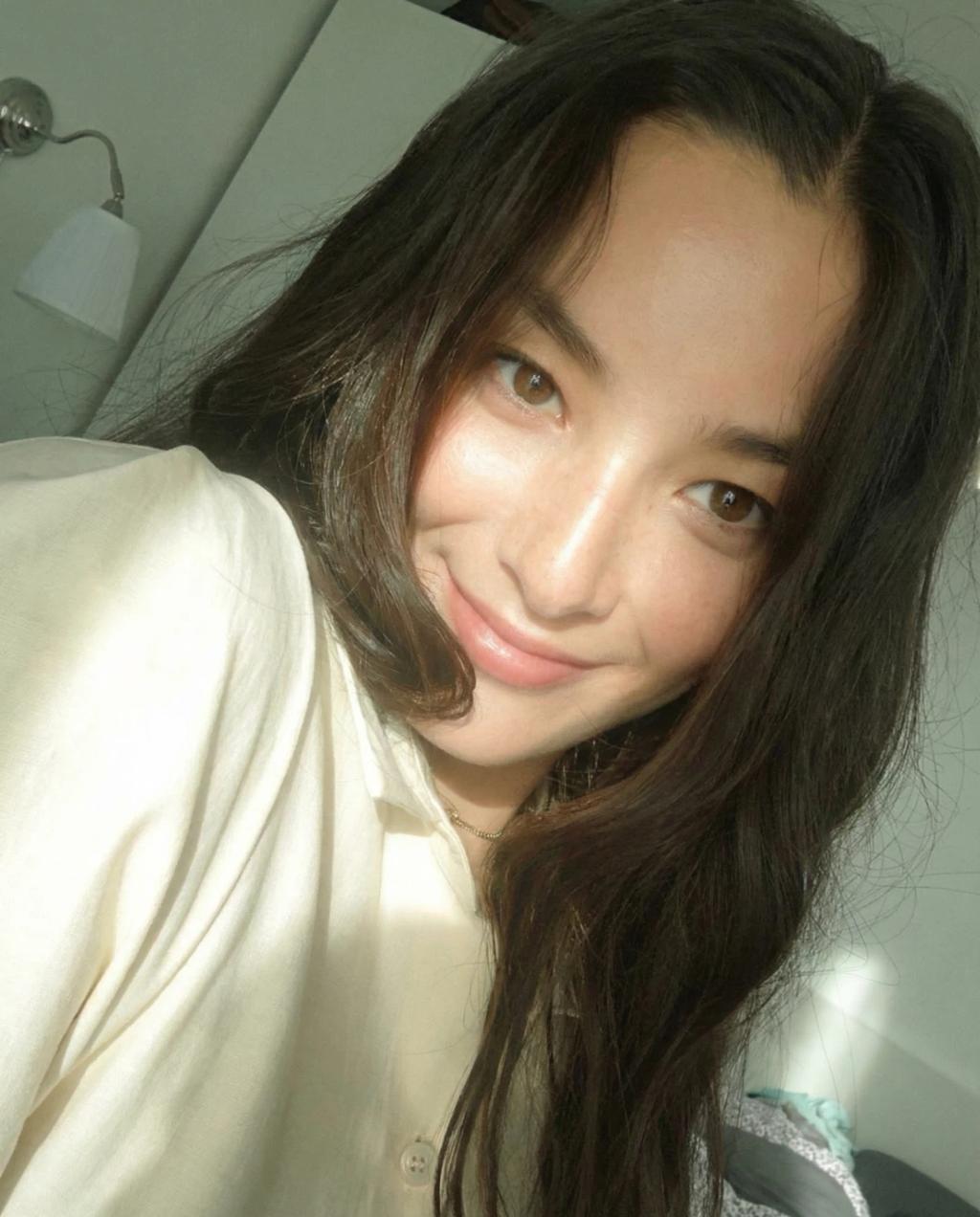
Dreamy Filter Effect
Image
GeminiPrompt Type: Image generation prompt
Click to try on Gemini
1
Number of original images required
318
Total number of views
Apply a Canon IXUS 210 IS / PowerShot SD3500 IS (2010) compact CCD + DIGIC 4 candid aesthetic to the uploaded photo while preserving the original subject's face, pose, framing, and background exactly. Emulate the camera’s soft, imperfect CCD rendering seen in the references: lifted midtones, gentle highlight bloom, low micro-contrast, and a slightly hazy atmosphere. Use directional side sunlight as the primary light source, entering from one side (window-like), producing glowing highlights on cheekbones, nose bridge, lips, arms, and hair strands, with soft falloff shadows and mild overexposure near light sources. Add subtle atmospheric haze and light diffusion to create a dreamy, washed glow without losing form. Set Exposure +2/3 and Canon Custom Color style tuned to the references: Contrast -2, Saturation -1, Sharpness low, with slightly green-warm highlights and muted shadows. Preserve natural skin texture with soft CCD noise, fine JPEG compression artifacts, edge softness, and gentle highlight clipping. Upscale to 2K with minimal de-blur and fine detail recovery only; do not change face, posture, composition and background.
• Only lighting, glow, haze, and color mood may be adjusted
Hard rules (non-negotiable):
• Do NOT zoom in or crop, even if the face appears small or partially obscured
• Do NOT recompose, reframe, or adjust camera angle
• Do NOT alter face shape, size, position, or proportions
• Do NOT change hair shape, hair volume, or hairline
• Only lighting, glow, haze, and color mood may be adjusted