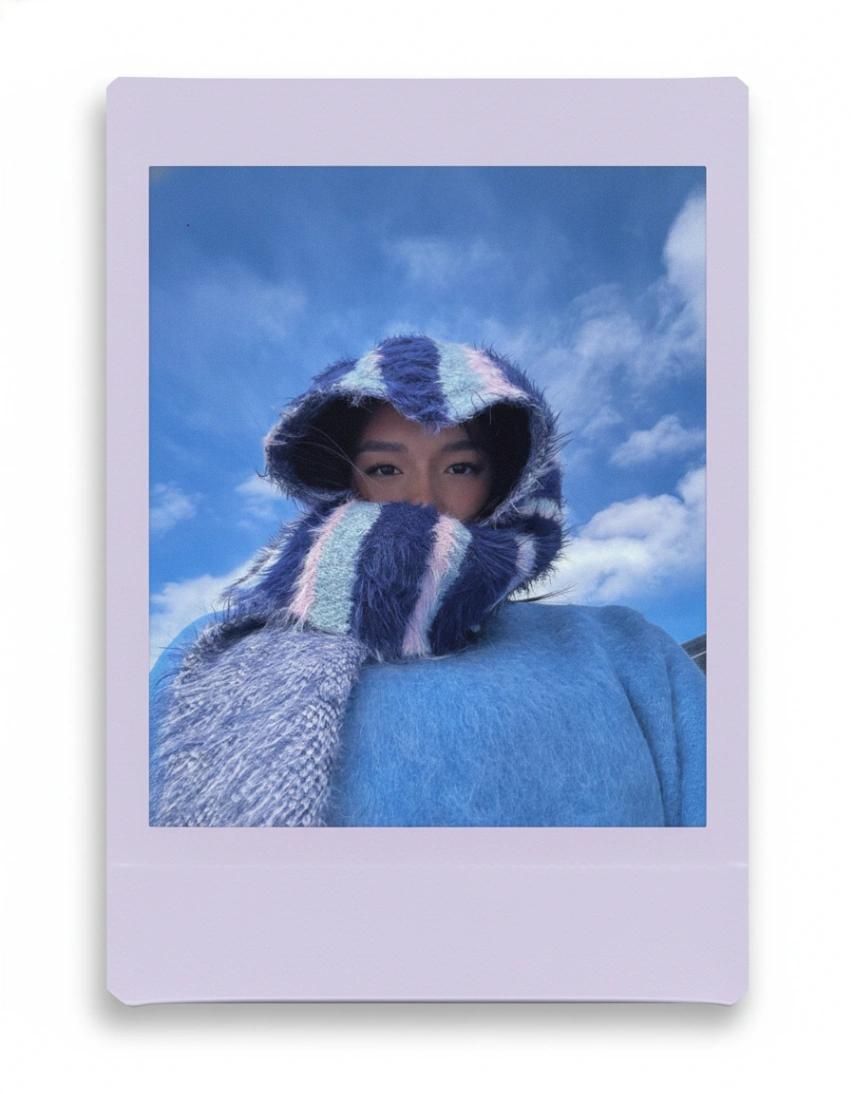
Colorful Polaroid Photograph
Image
GeminiPrompt Type: Image generation prompt
Click to try on Gemini
1
Number of original images required
233
Total number of views
Transform the uploaded image into a high-quality Polaroid photograph with a soft, analog film aesthetic. Apply a subtle Polaroid-style film filter: gentle highlight bloom, slight pastel tint, soft grain, and a lightly faded nostalgic tone while keeping the subject sharp and unchanged.
Wrap the photo in a Polaroid frame with the classic thick bottom margin. Instead of plain white, generate a vibrant pastel-colored frame, choosing the frame color dynamically based on the dominant colors from the uploaded image. The pastel tone should be bright, soft, and clean, like premium art-paper Polaroid stock. Corners should be subtly rounded with a matte finish.
Additional styling:
The uploaded photo remains centered and uncropped.
Frame color must be derived from the image palette (mint, lavender, peach, pastel pink, sky blue, etc.—choose automatically).
Add a soft, realistic drop shadow behind the Polaroid to create a natural flat-lay or editorial look.
No text, no handwriting, no timestamp anywhere on the frame.
Keep everything minimal, aesthetic, and magazine-like.
Output the final result as a beautiful pastel Polaroid print with a clean analog film vibe and no text.