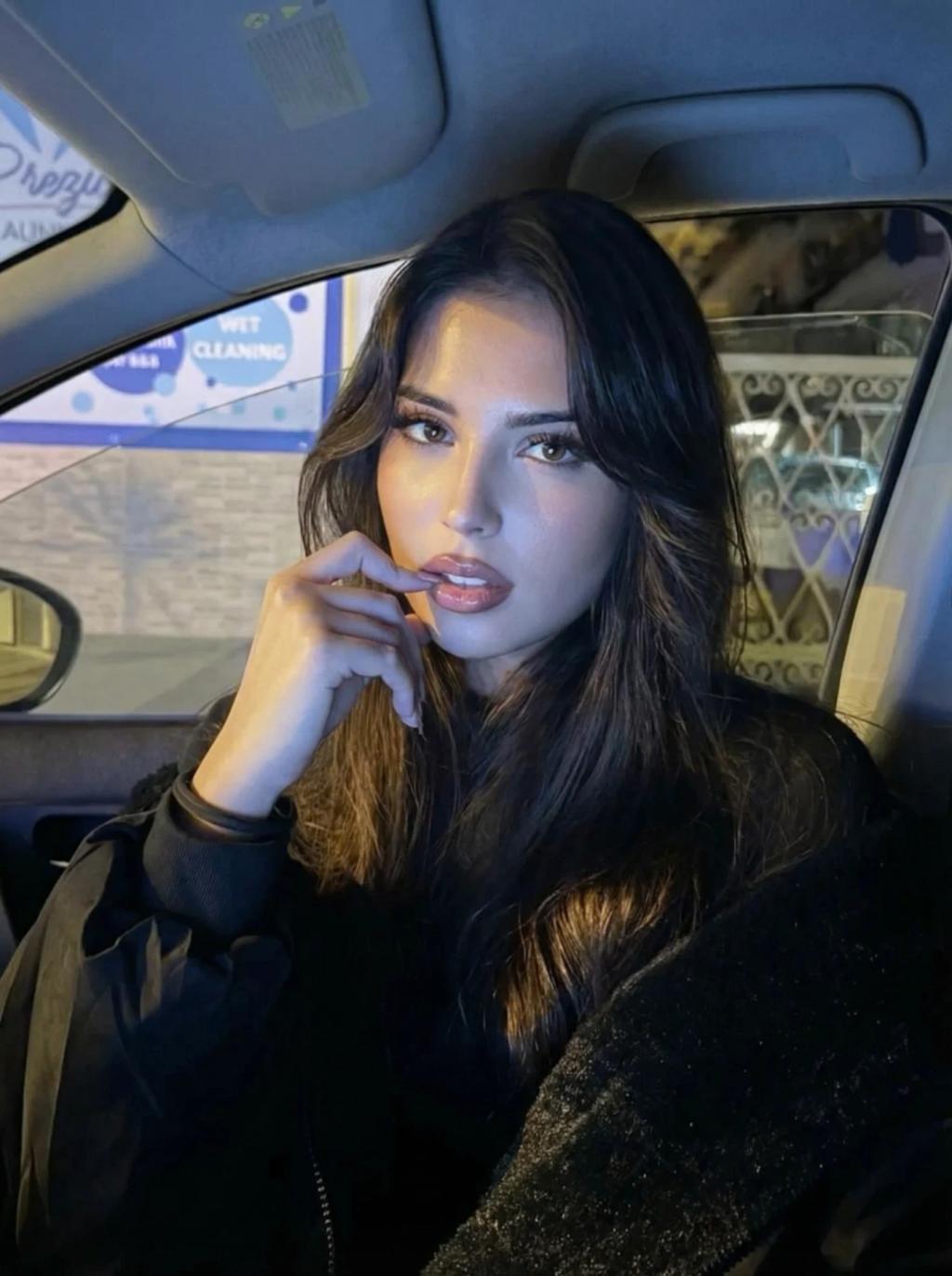
Cold Blue Aesthetic Light Effect
Image
GeminiPrompt Type: Image generation prompt
Click to try on Gemini
1
Number of original images required
121
Total number of views
Use the user uploaded image as the exact base reference.
Apply a subtle cold blue-ish lighting effect, as if the scene is illuminated by soft screen light reflecting from a laptop or iPhone in a dark room.
Lighting & color treatment:
Cast a gentle, cool blue-white light onto the subject’s face, skin, and hair
Light should feel soft, diffused, and close-range — like a screen positioned just below or in front of the subject
Blue tone should be restrained and natural, not saturated or neon
Preserve realistic shadow falloff and facial depth; do NOT flatten the image
Highlights take on a cool blue tint, especially on cheekbones, under-eyes, nose bridge, lips, and lower jaw
Shadows remain neutral-to-cool, with deep blacks preserved for night contrast
Very subtle cool color spill onto nearby surfaces (hands, hoodie, laptop edge, background contours if visible)
Mood & style:
Intimate, quiet, late-night atmosphere
Calm, introspective, slightly lonely or focused mood
Feels like a candid moment lit only by a laptop or phone screen in the dark
Modern fashion/editorial realism, not stylized illustration
Quality & realism:
Maintain natural skin texture and pores
No plastic skin, no over smoothing, no beauty retouch
Slight natural noise or very subtle film grain for realism
Preserve original sharpness and depth of field
Hard rules (must follow):
Do NOT change the subject’s face, facial structure, hair shape, body, or expression
Do NOT change the pose, camera angle, framing, or crop
Do NOT change the outfit or accessories
Do NOT alter the background structure or objects
Do NOT change the aspect ratio
Only apply lighting, color temperature, and mood adjustments
Output should look like the original photo realistically lit by a soft laptop or iPhone screen at night — cool, subtle, and cinematic.