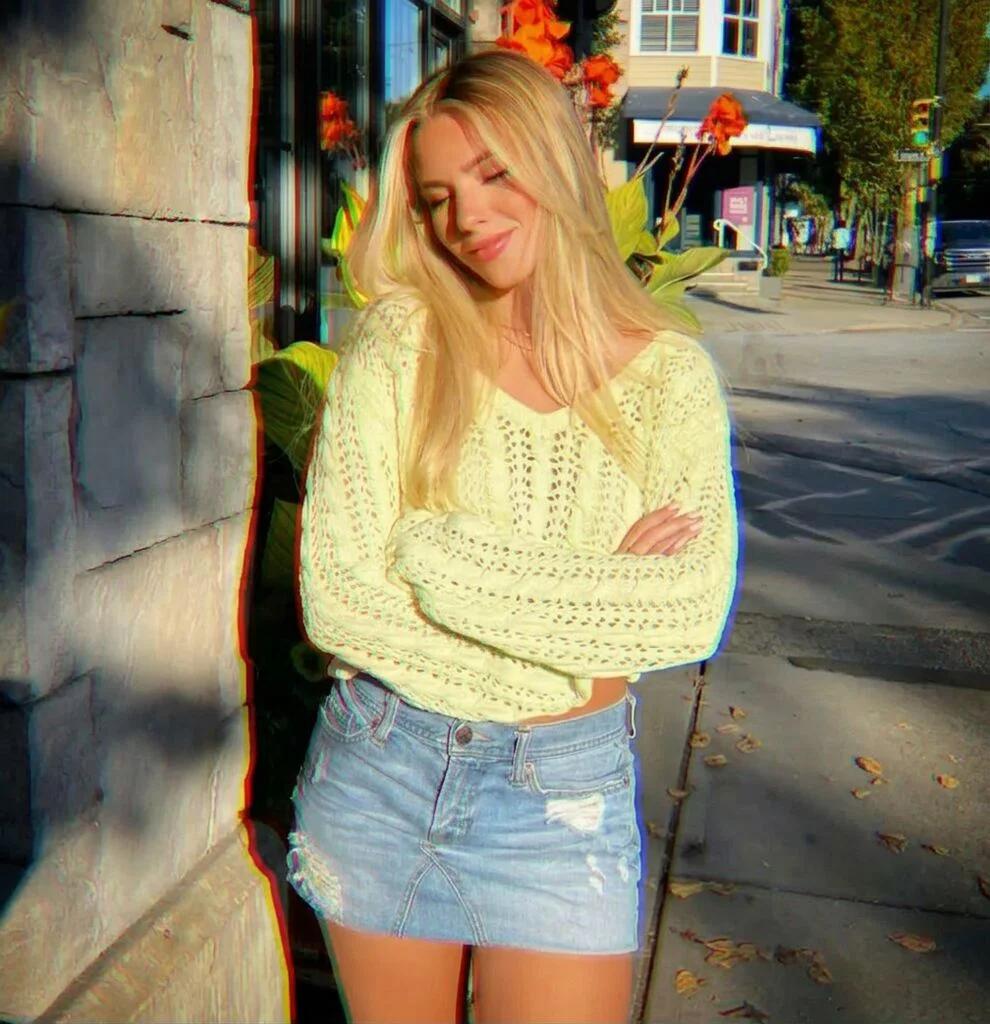
Chromatic Aberration Split Effect
Image
GeminiPrompt Type: Image generation prompt
Click to try on Gemini
1
Number of original images required
0
Total number of views
Apply a dramatic chromatic aberration split effect to this photo. Separate the red, green, and blue color channels and offset each one in a different direction. The red channel shifts 10-15 pixels to the left, green stays centered, and blue shifts to the right, creating a striking RGB split ghost effect especially visible on the edges and contours of the person. The effect should be strongest at the periphery of the image and slightly softer in the center. Add a subtle lens distortion and vignette. The result should look like a stylized editorial photo through a broken prism. Keep the person's pose and expression exactly the same.