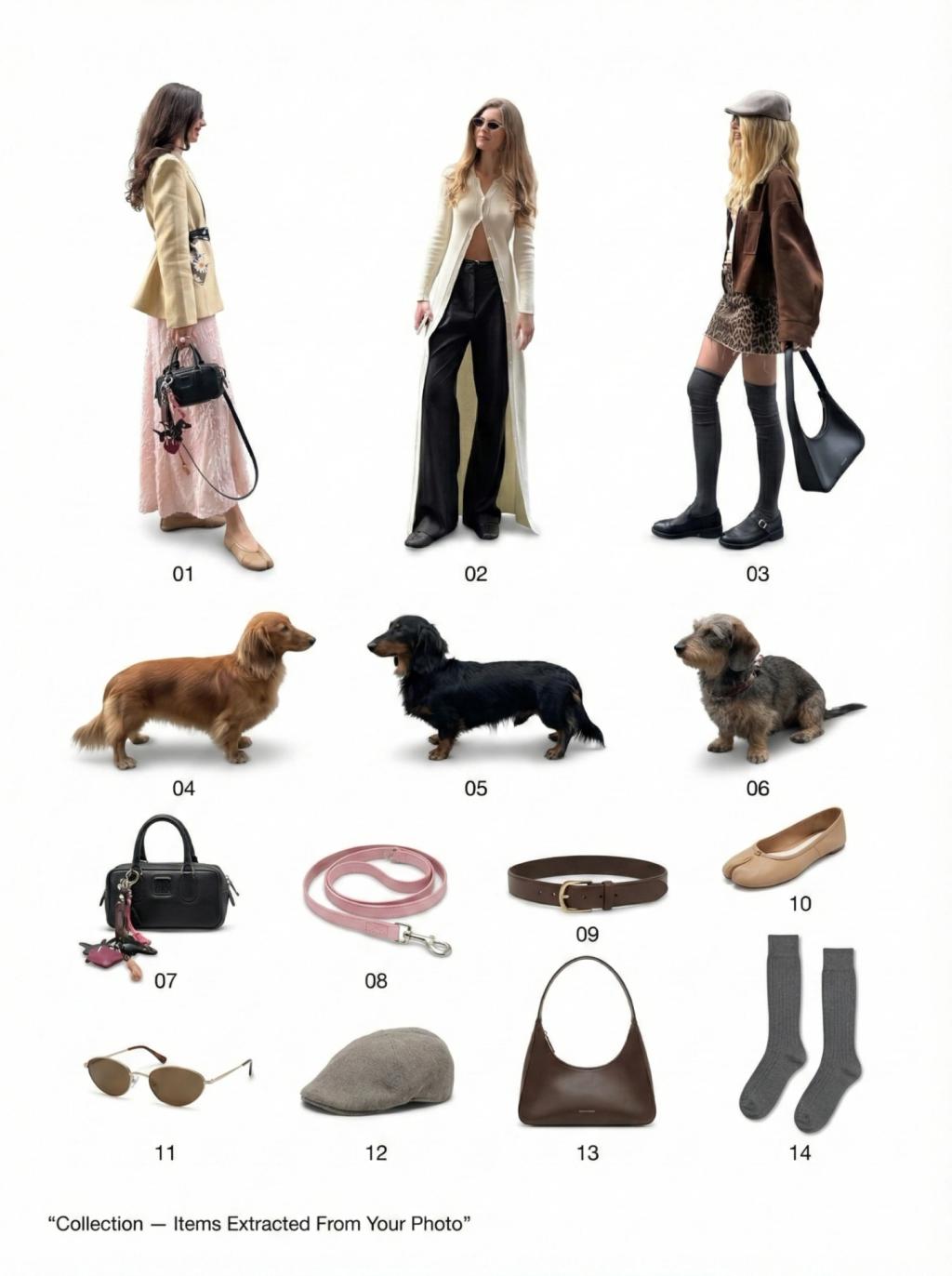
Catalog Collection Layout
Image
GeminiPrompt Type: Image generation prompt
Click to try on Gemini
1
Number of original images required
169
Total number of views
Create a clean printed-poster style layout featuring all key objects/elements extracted from the uploaded image.
Instructions:
Identify and isolate the main objects in the uploaded photo
Arrange them on a flat white or light cream background
Display them in a grid layout, evenly spaced
Add small numbered labels near each item (01, 02, 03…)
Use soft shadows below each object to give subtle depth while keeping overall flat catalog style
Ensure objects remain exactly accurate to the original image
Preserve shape, textures, colors, and details
Maintain consistent proportions — no stretching, no distortions
Remove original background entirely
No extra objects, text, illustrations, or modifications
Only the isolated items in a clean minimal grid
Style Guidelines:
Modern design
Clean product photography look
Bright, natural lighting
High resolution, sharp details
Centered poster composition
Small heading text at bottom:
“Collection — Items Extracted From Your Photo” (simple sans-serif)
Hard Rules:
Do not change the items’ appearance
Do not invent new objects
Do not rearrange the order of components within each item
No drop shadows behind the objects — only soft cast shadows underneath