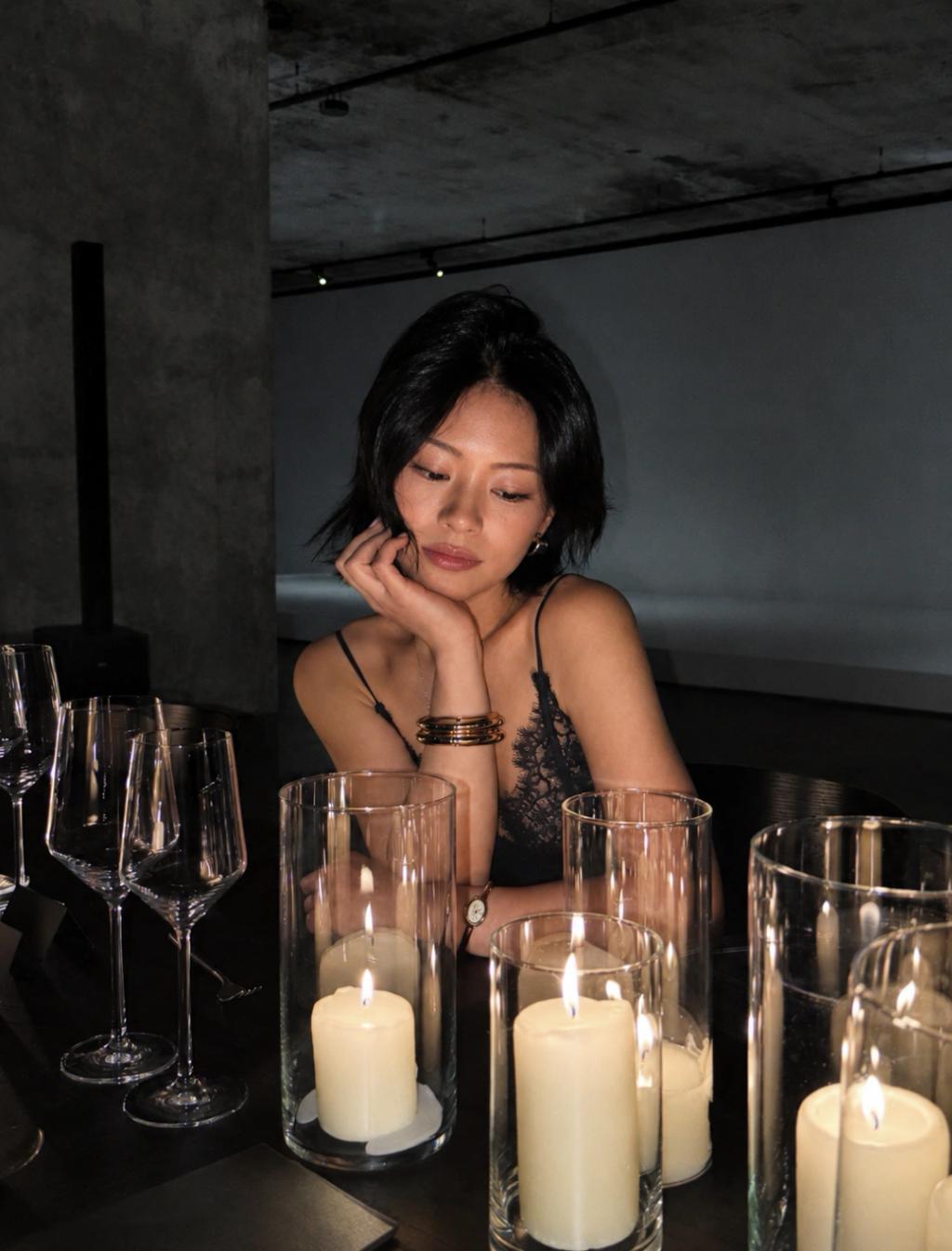
Canon PowerShot G7 X Direct Camera Flash
Image
ChatGPTPrompt Type: Image generation prompt
Click to try on ChatGPT
1
Number of original images required
2,785
Total number of views
Edit the uploaded photo so it looks naturally photographed with a **Canon PowerShot G7 X using direct on-camera flash**.
Preserve the person’s identity, facial features, expression, body proportions, pose, clothing, hairstyle, accessories, background, and original composition. Do not redesign or replace the subject.
Create an authentic compact-digital-camera aesthetic:
* Strong direct flash illuminating the subject from the front
* Bright, crisp skin highlights with realistic texture
* Slightly darker ambient background caused by flash falloff
* Natural hard-edged shadows behind the subject
* Glossy highlights on hair, lips, eyes, jewelry, and reflective surfaces
* Sharp subject with subtle handheld snapshot character
* Mild wide-angle compact-camera perspective
* Slightly warm skin tones and neutral-to-cool background tones
* Punchy contrast, rich blacks, and vivid but believable colors
* Fine digital noise in darker areas
* Subtle highlight clipping from the flash
* Realistic point-and-shoot JPEG processing
* Casual late-night party, vacation, restaurant, or candid social-media-photo feeling
The result should look like a genuine spontaneous photo taken with a Canon G7 X and built-in flash—not a professional studio portrait, cinematic color grade, smartphone portrait mode, or AI-generated image.
Avoid excessive skin smoothing, beauty filters, artificial bokeh, dramatic cinematic lighting, orange-and-teal grading, distorted facial features, altered clothing, changed background objects, plastic skin, HDR effects, or an overly polished editorial appearance.