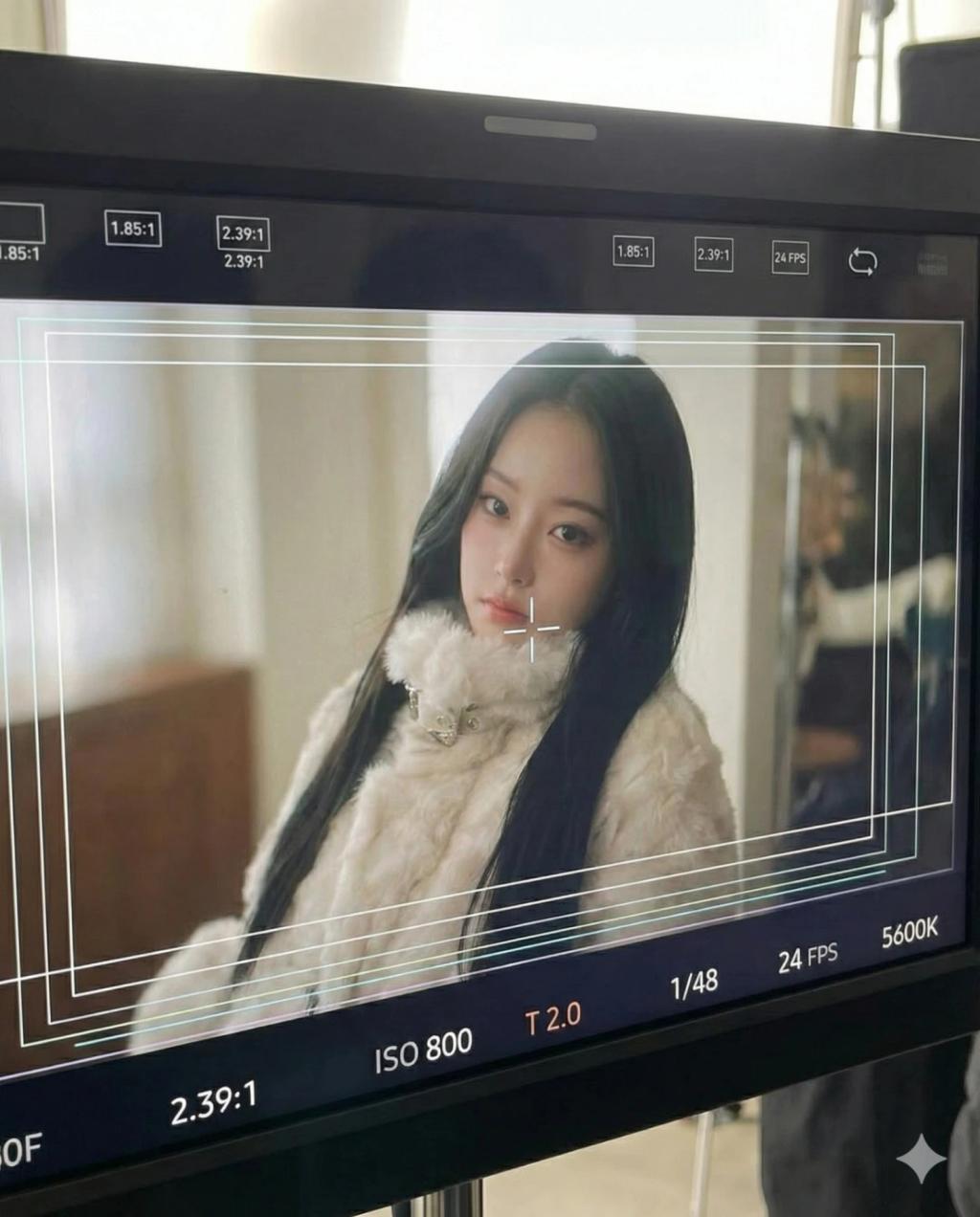
Behind The Scenes (Film or TV Production Monitor)
Image
GeminiPrompt Type: Image generation prompt
Click to try on Gemini
1
Number of original images required
0
Total number of views
Use the uploaded image as the only source of identity.
Create an image that looks like a phone photo of a film or TV production monitor. The monitor displays a framed camera shot of the subject from the uploaded image, indoors, softly lit, and centered in the frame. Preserve the subject’s original appearance, clothing, pose, and expression.
Include realistic cinematography UI overlays on the monitor: frame guides, safe-area lines, a center focus crosshair, aspect ratio markers, technical readouts (ISO, shutter, aperture, frame rate), and color temperature indicators.
The image should feel candid and behind-the-scenes, with natural monitor glow, slight screen glare, subtle reflections, and mild perspective distortion from the phone camera.
Do not change the subject’s identity, gender, age, facial features, or clothing. Do not add new people. No illustration, cartoon, anime, or stylized filters.