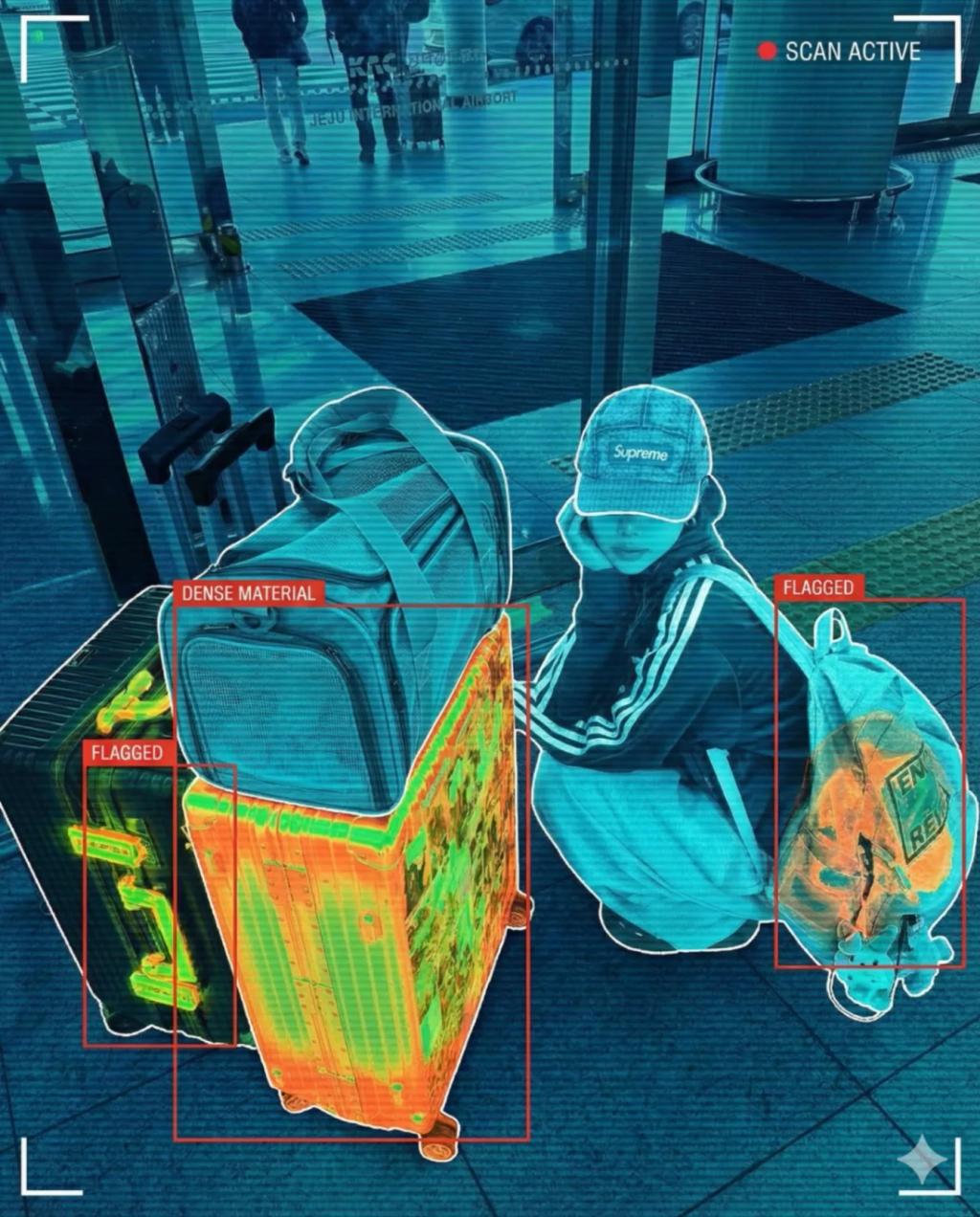
Airport X-Ray Scanner (High-Security Threat Detection Version)
Image
GeminiPrompt Type: Image generation prompt
Click to try on Gemini
1
Number of original images required
974
Total number of views
Transform the uploaded photo into a TSA-style airport security X-ray scan while keeping every subject, object, pose, and composition exactly the same. Do not modify or add any items — only change the visual style.
Apply the full airport baggage scanner X-ray aesthetic:
Organic materials appear in cool blues/teals
Clothing and fabric become semi-transparent cyan
Metal objects appear bright neon orange/green
Electronics appear high-contrast bright yellow-green
Glass and hard plastics show clean glowing outlines
No full skeletons — just subtle internal density shading
Overlay high-security threat-detection UI elements:
Bold red bounding boxes around any dense, irregular, or high-contrast items the model recognizes in the scene
(IMPORTANT: Boxes only highlight real items from the uploaded image — never add or invent objects)
Thin white contour lines around object edges
Corner HUD brackets framing the scan area
Light horizontal scanlines across the entire image
Optional translucent “SCAN ACTIVE” indicator at the top corner (no center text)
Red box styling:
Bright, TSA-style #FF0000 rectangular boxes
Slight glow
Labels like “FLAGGED”, “DENSE MATERIAL”, “HIGH-OPACITY OBJECT” may appear only along the box edges, never blocking subjects
Keep realism:
Preserve original lighting, depth, and perspective
Preserve all poses, clothing shapes, and environment geometry
Do not distort anatomy or fabric
Final aesthetic:
Ultra-realistic airport X-ray scanner + machine-learning threat detection overlay.
Cold, clinical, high-security, believable.
Hard rules:
Do not invent weapons or suspicious items
Only highlight what already exists in the uploaded photo
No timestamps or large logos
No full skeleton exposure